
Remote Office
Home Office, Portable Work, and On-Camera Gear
Home-office, portable-work, and on-camera gear that earns its space in a real workday.

Field scope
What earns a place here
A dependable remote office has to survive weak internet, limited power, poor ergonomics, and the moment a call puts the room on camera. These guides cover durable desk equipment, portable work setups, local AI hardware, webcams, lighting, and audio for home offices, hotels, coworking spaces, and longer trips. Portable and on-camera tags keep those needs easy to browse without splitting the same workday across separate pillars.
The questions we answer
- Home-office desks, displays, docks, and local AI hardware
- Portable workstations, travel screens, power, and connectivity
- Webcams, lighting, microphones, and professional framing
- Equipment that earns its weight, footprint, and cable count
- Setups that move between home, hotels, and coworking spaces
Decision library
Latest Remote Office guides
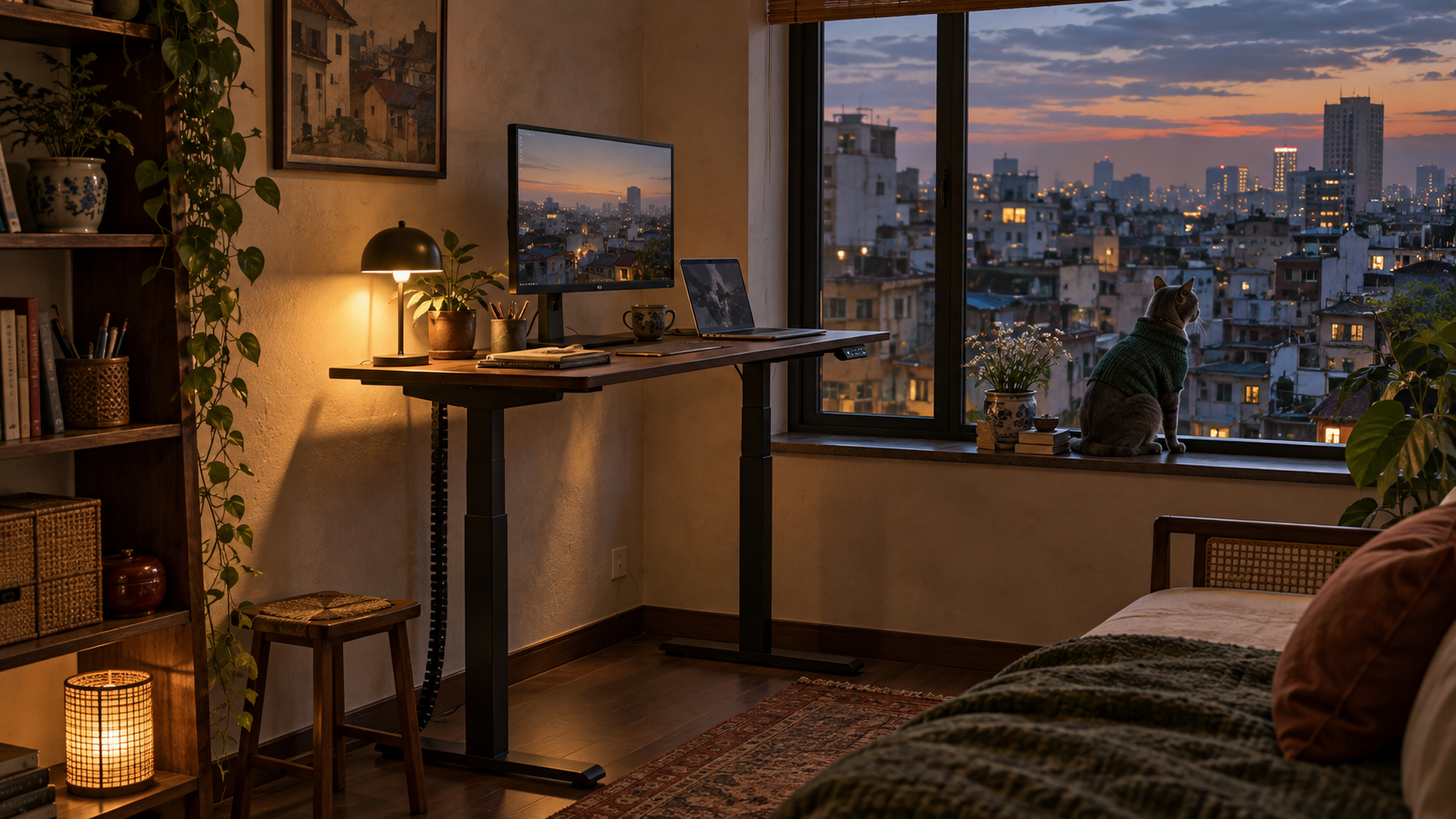
Standing Desks for Small Apartments: Change Position, Not Rooms
Three standing desks for small apartments, ordered by the space and equipment they need to support.
Read the field guide
Budget Portable Monitor vs. Premium: 3 Upgrades Worth Buying
A budget portable monitor can prove the habit. These 3 independently tested upgrades offer lighter travel, OLED color, or a battery-powered wireless setup.
Read the field guide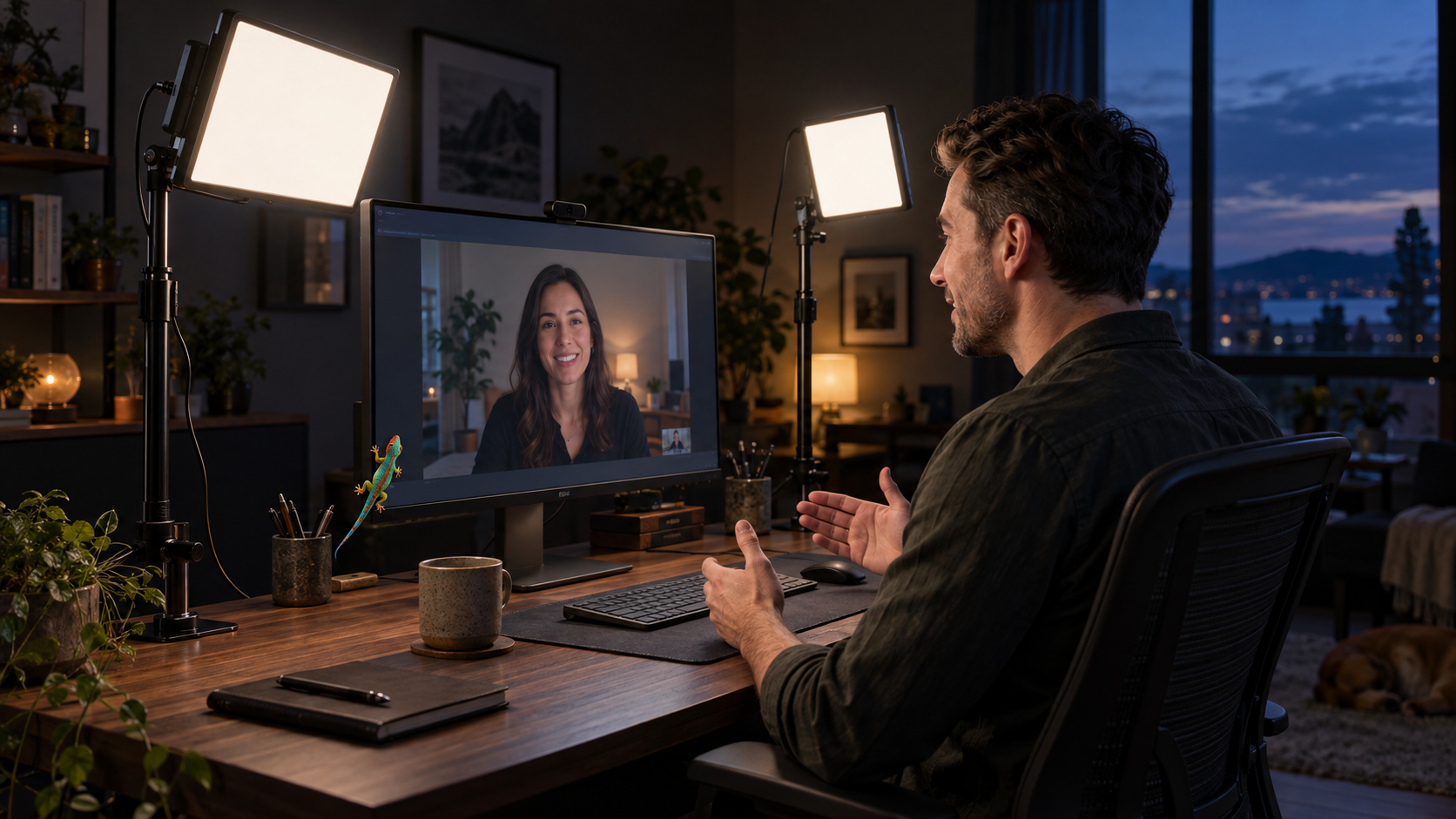
Elgato Key Light Air MK.2 vs. NEEWER GL25B: Which Is Better for Video Calls?
Compare the Elgato Key Light Air MK.2 and NEEWER GL25B for video calls, including brightness, controls, power, desk fit, and the best choice for your setup.
Read the field guide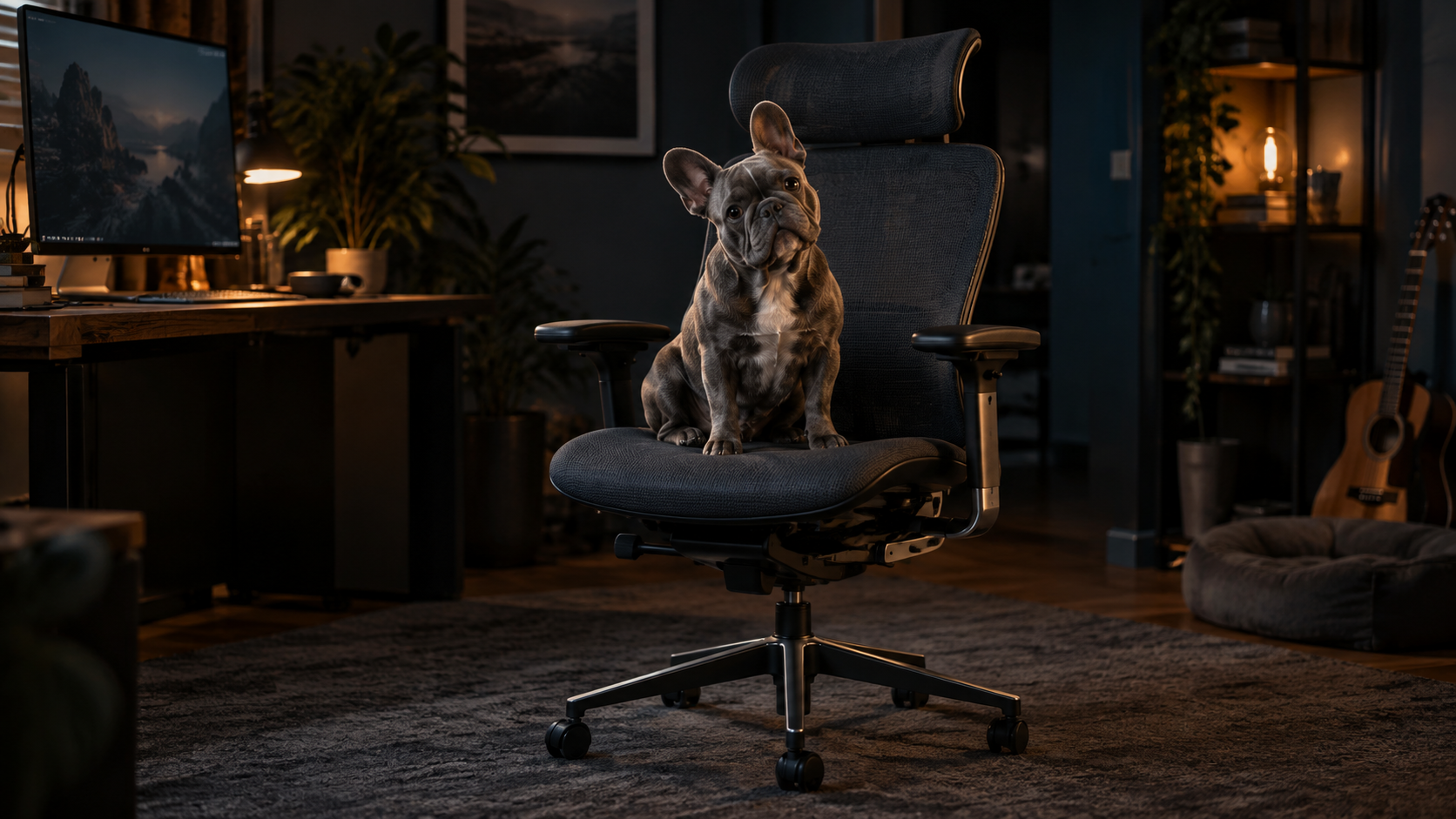
Steelcase Gesture vs Herman Miller Embody: The Better Chair for Remote Creatives
Steelcase Gesture vs Herman Miller Embody, compared for remote creative work, posture changes, arm support, long focus sessions, and fit.
Read the field guide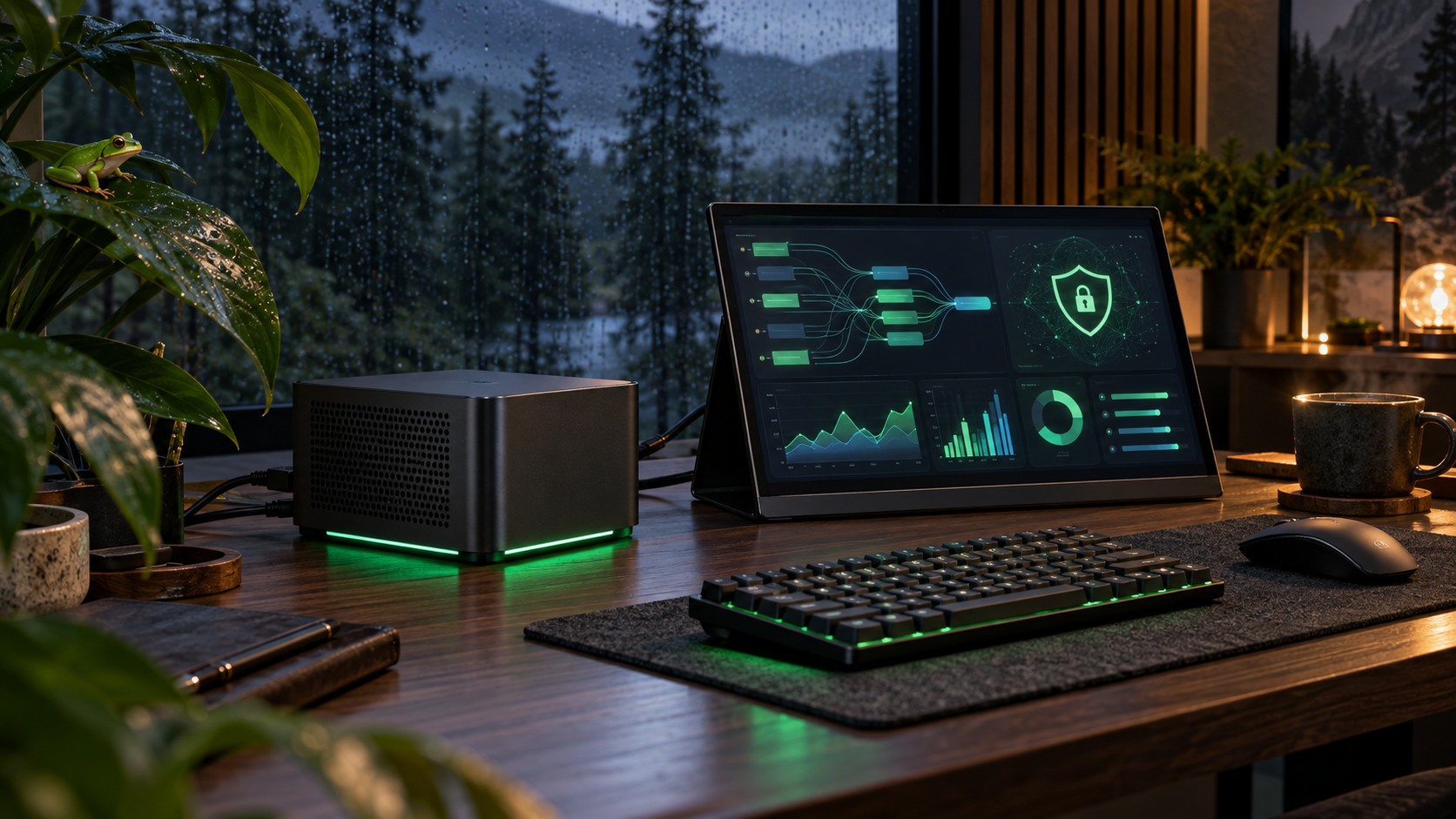
Run a Local LLM on a Travel Mini PC: Speed, Settings and Privacy
Size a local model to shared memory, choose a useful quantization, test real speed, and keep LM Studio or Ollama private on shared Wi-Fi.
Read the field guide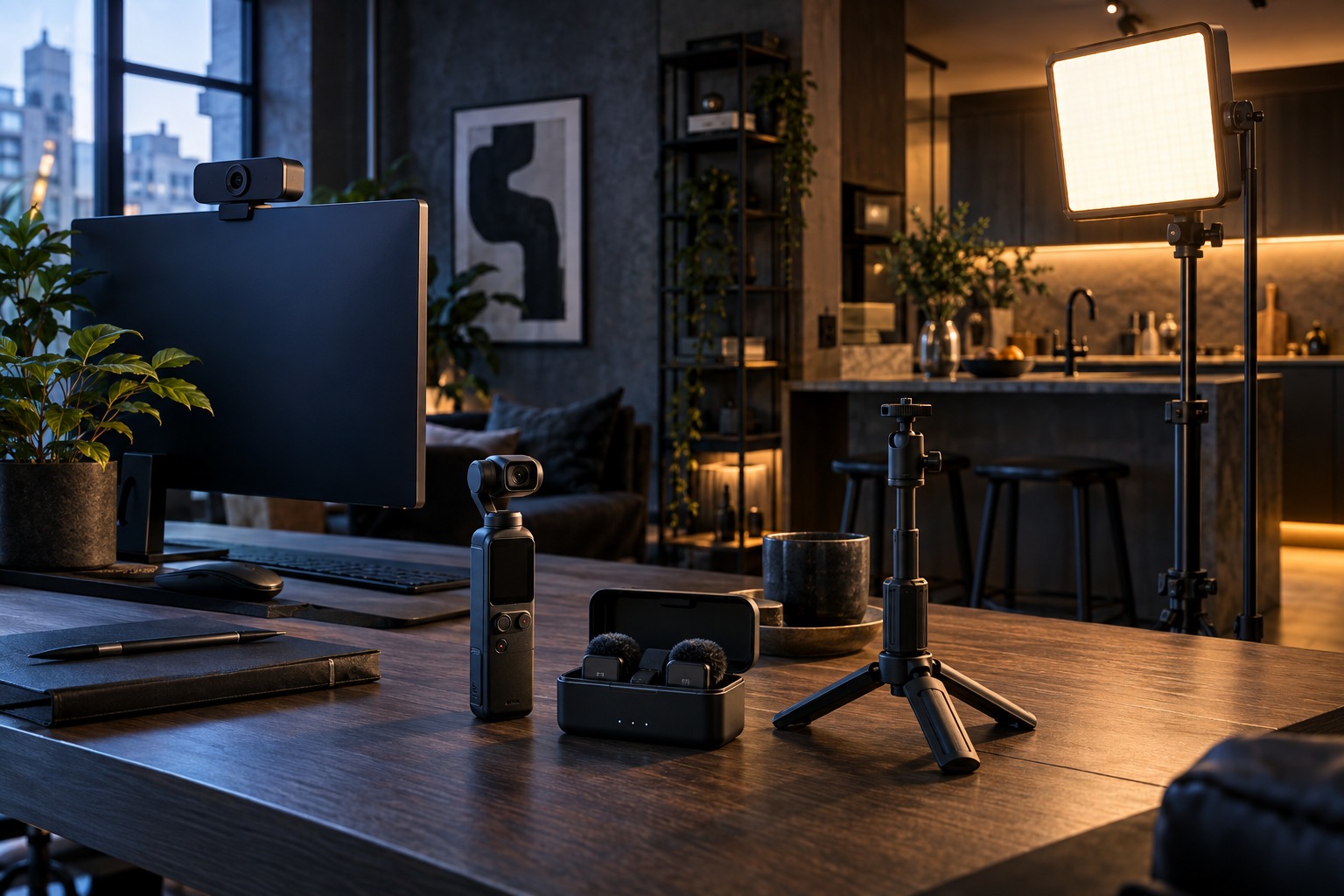
One Vlogging Rig for Travel, Desk and Kitchen: What to Buy First
A practical buying order for a portable vlogging rig, including the camera, microphone, tripod and light that earn their place.
Read the field guide
RTX 5080 vs RTX 5090 Laptops for Local LLMs: 16GB or 24GB VRAM?
An RTX 5080 laptop is the practical local-LLM choice for most people. Here is when the RTX 5090's 24GB of VRAM is worth the extra weight.
Read the field guide
How to Watch TV Without Letting the TV Watch You in 2026
LG's disputed privacy controversy exposed a wider smart-TV problem. Here is what disconnecting really stops and when to choose a screen with no radios or microphones.
Read the field guide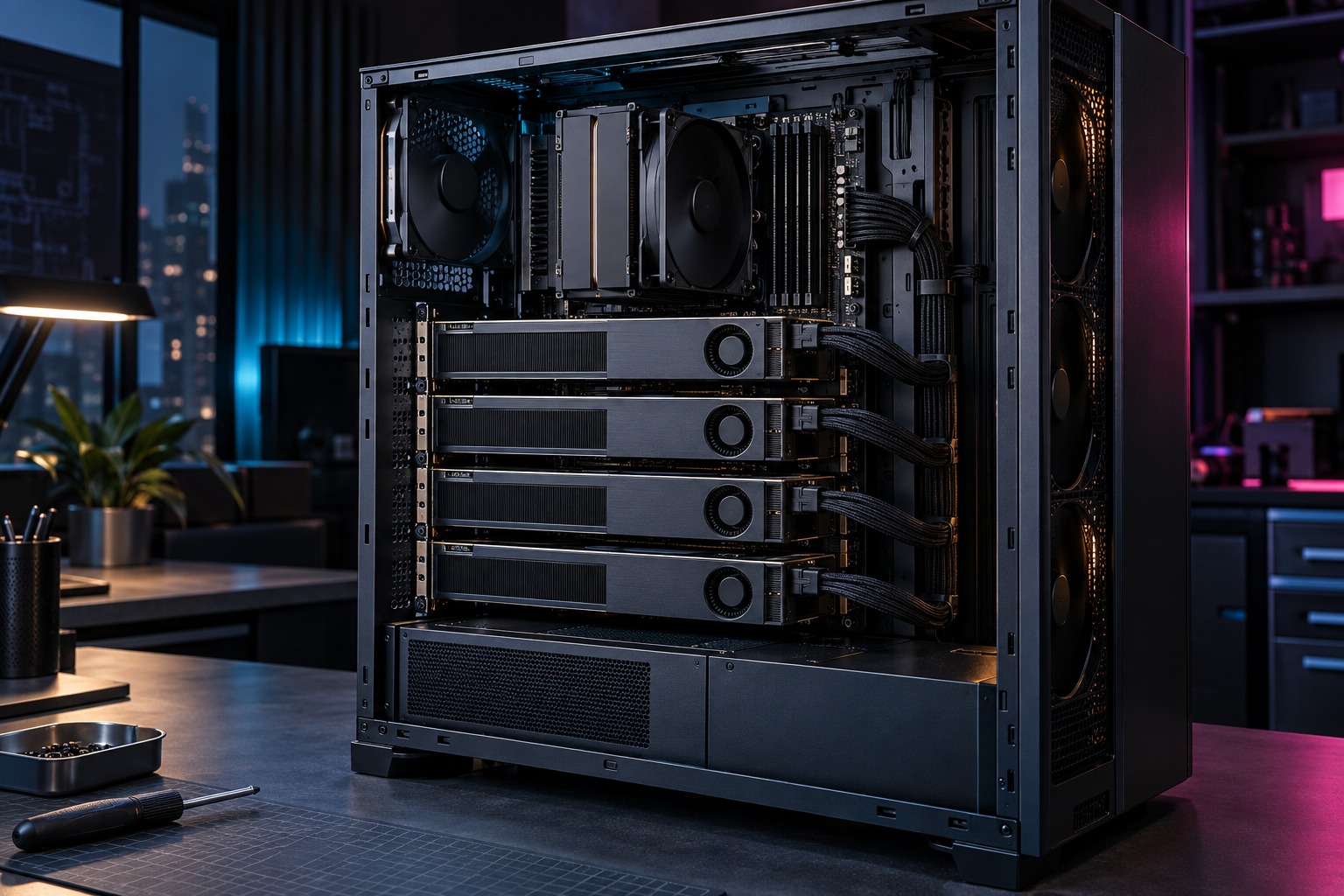
One Intel Arc Pro B70: 32GB of VRAM for Top-Tier Local AI
A single Intel Arc Pro B70 gives you 32GB of VRAM at a fraction of flagship-card cost, enough to run quantized 30B-class local models. Four scale to 128GB when you outgrow one.
Read the field guide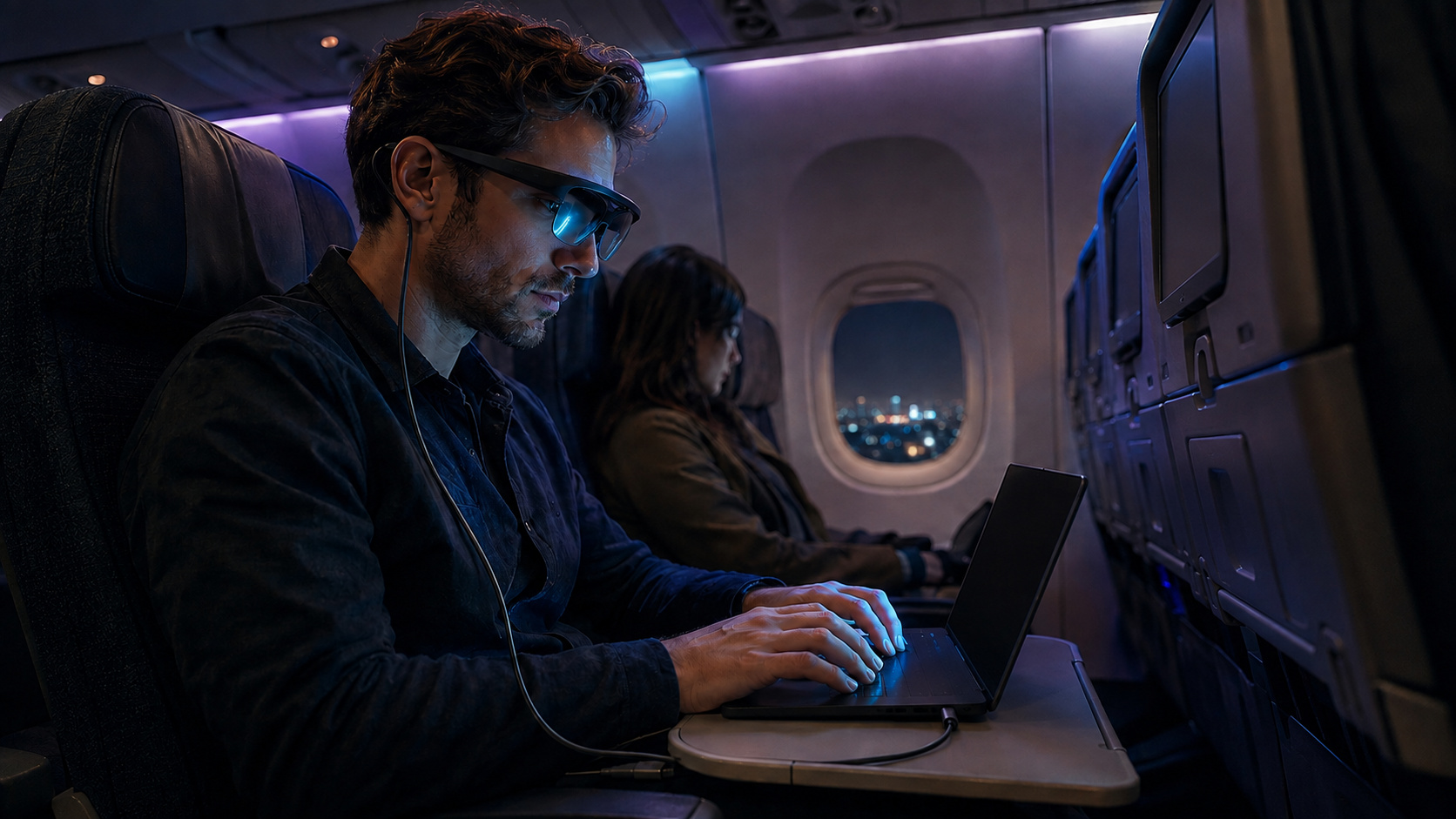
AR Glasses on a Plane or in a Cafe: The Work Setup
Set up AR glasses for readable text, privacy, and less table clutter on a plane or in a cafe. Make these adjustments before the laptop comes out.
Read the field guide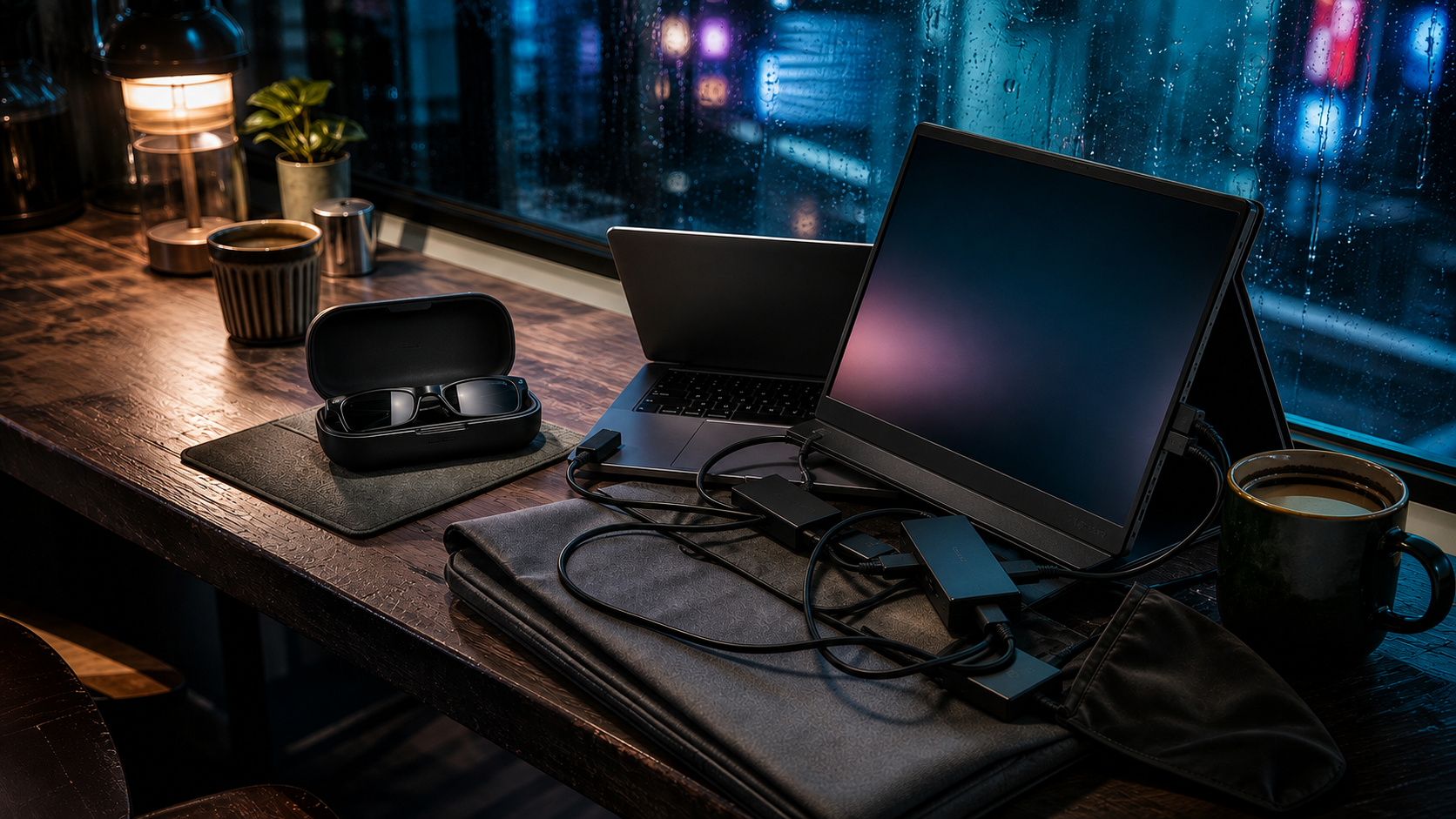
AR Glasses vs Portable Monitor: Which Travels Better?
AR glasses save bag and table space. A portable monitor keeps sharper text and shared viewing. Compare the real trade-offs before replacing your travel screen.
Read the field guide
Best AR Glasses for Working in 2026: 3 Honest Picks
The best AR glasses for work depend on readable text, fit, and brightness. Start with 3 honest picks for code, mixed media, and shorter travel sessions.
Read the field guide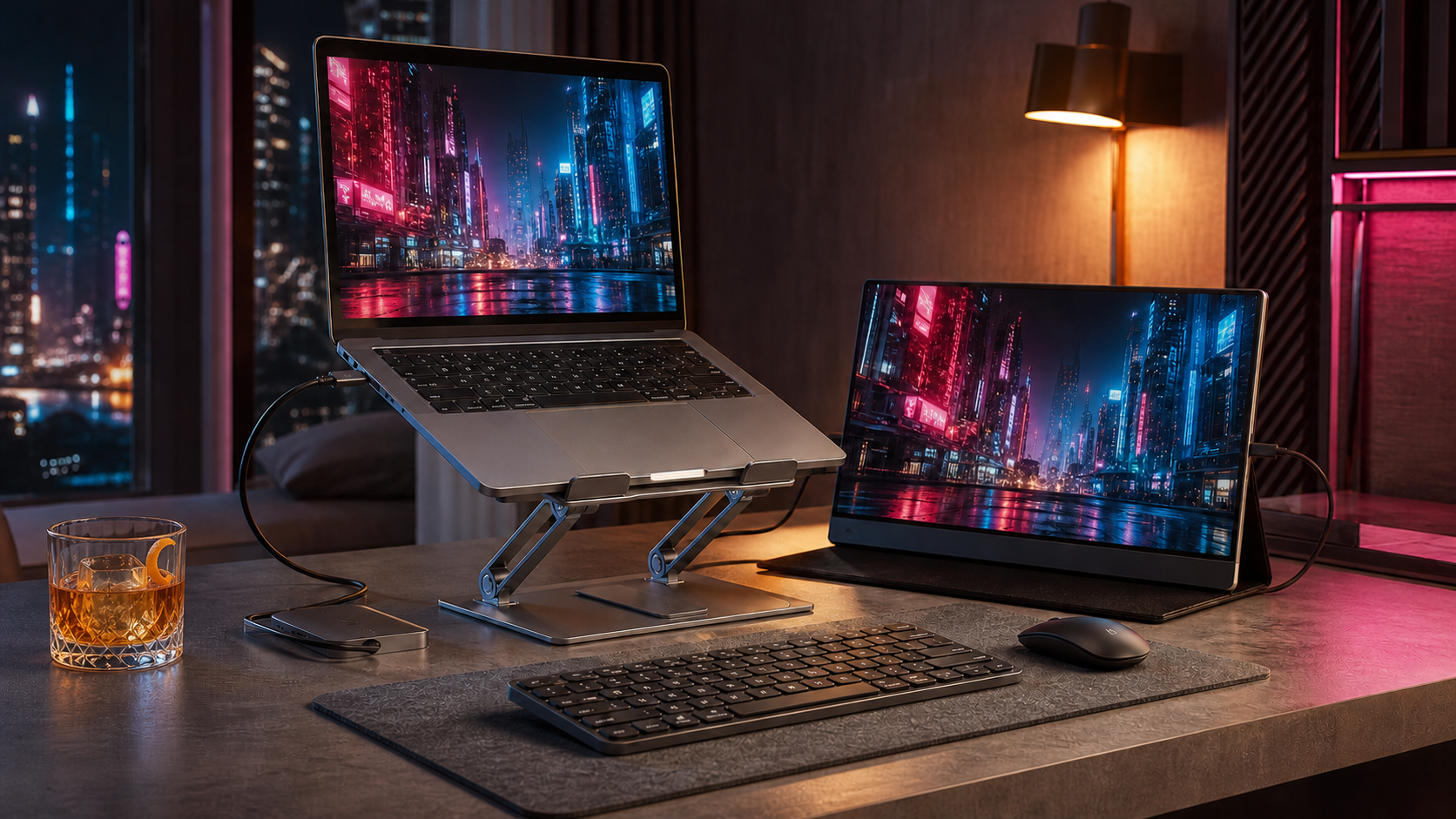
Best Laptop Stands for Desk and Travel: 2 Picks
Compare the best laptop stands for desk and travel, including an adjustable mobile stand and a sturdy fixed option for a dependable home-office setup.
Read the field guide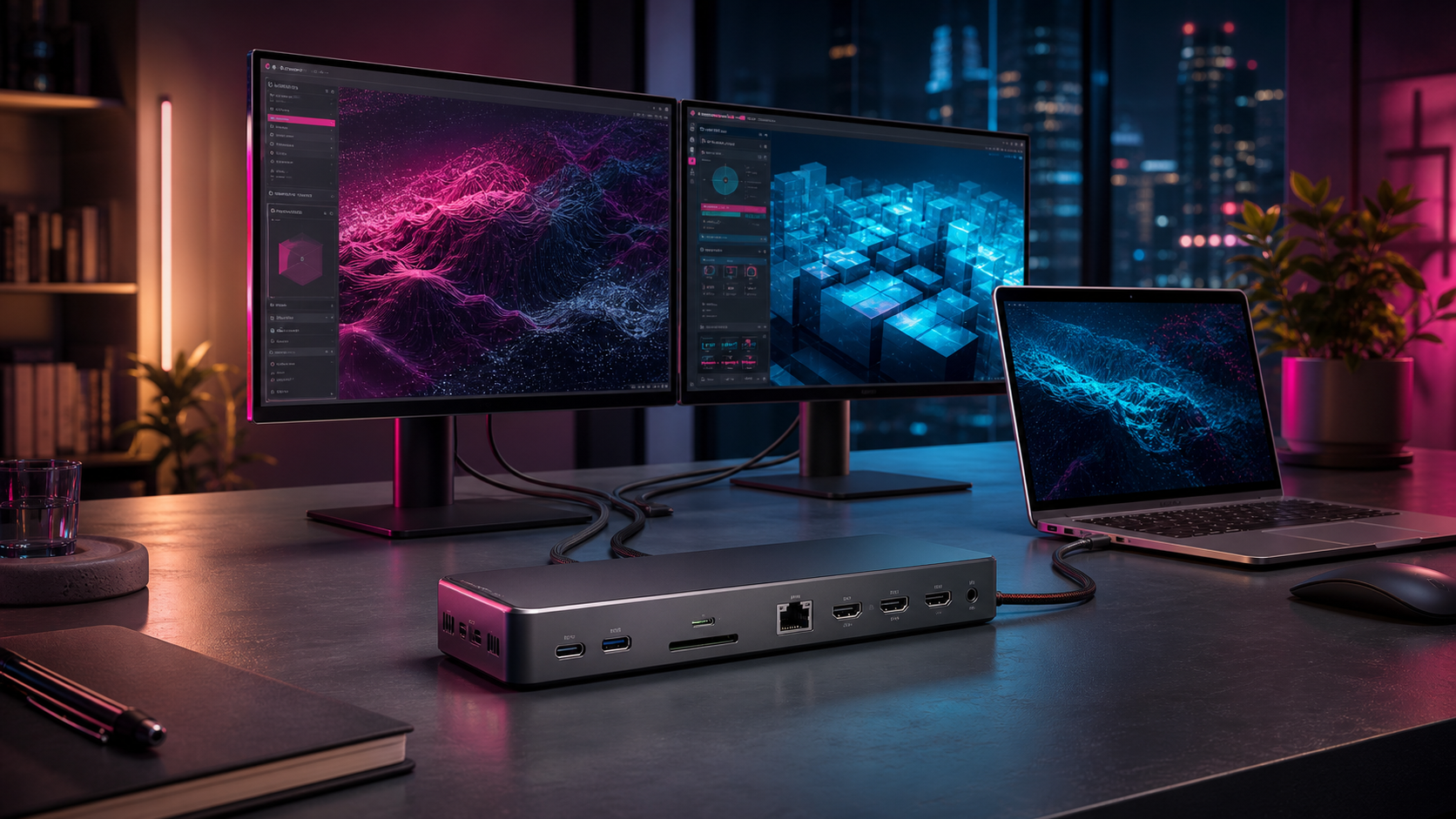
Best USB-C Docking Stations for Dual Monitors: 2 Picks
Compare the best USB-C docking stations for dual monitors, including a premium Thunderbolt dock and a practical DisplayLink option for Macs with display limits.
Read the field guide
Buy the Chair Before the Standing Desk
Office chair or standing desk first? Buy for the hours you actually sit, then add standing height after the workstation fits.
Read the field guide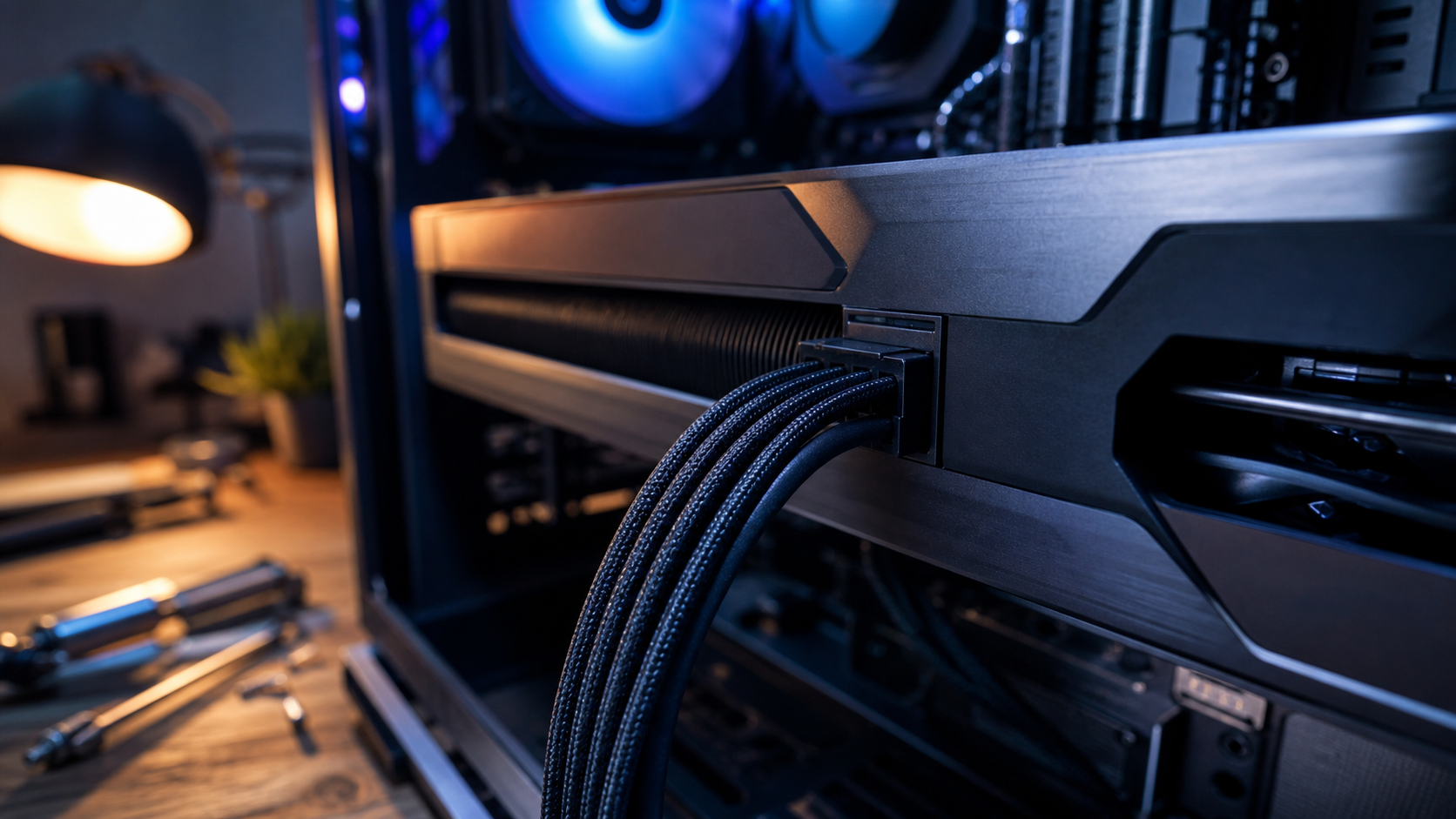
The RTX 5090 Power Connector Can Hurt Your Build
RTX 5090 power cable safety starts with the PSU, a fully seated native 12V-2x6 cable, and 35mm of clearance before the first bend.
Read the field guide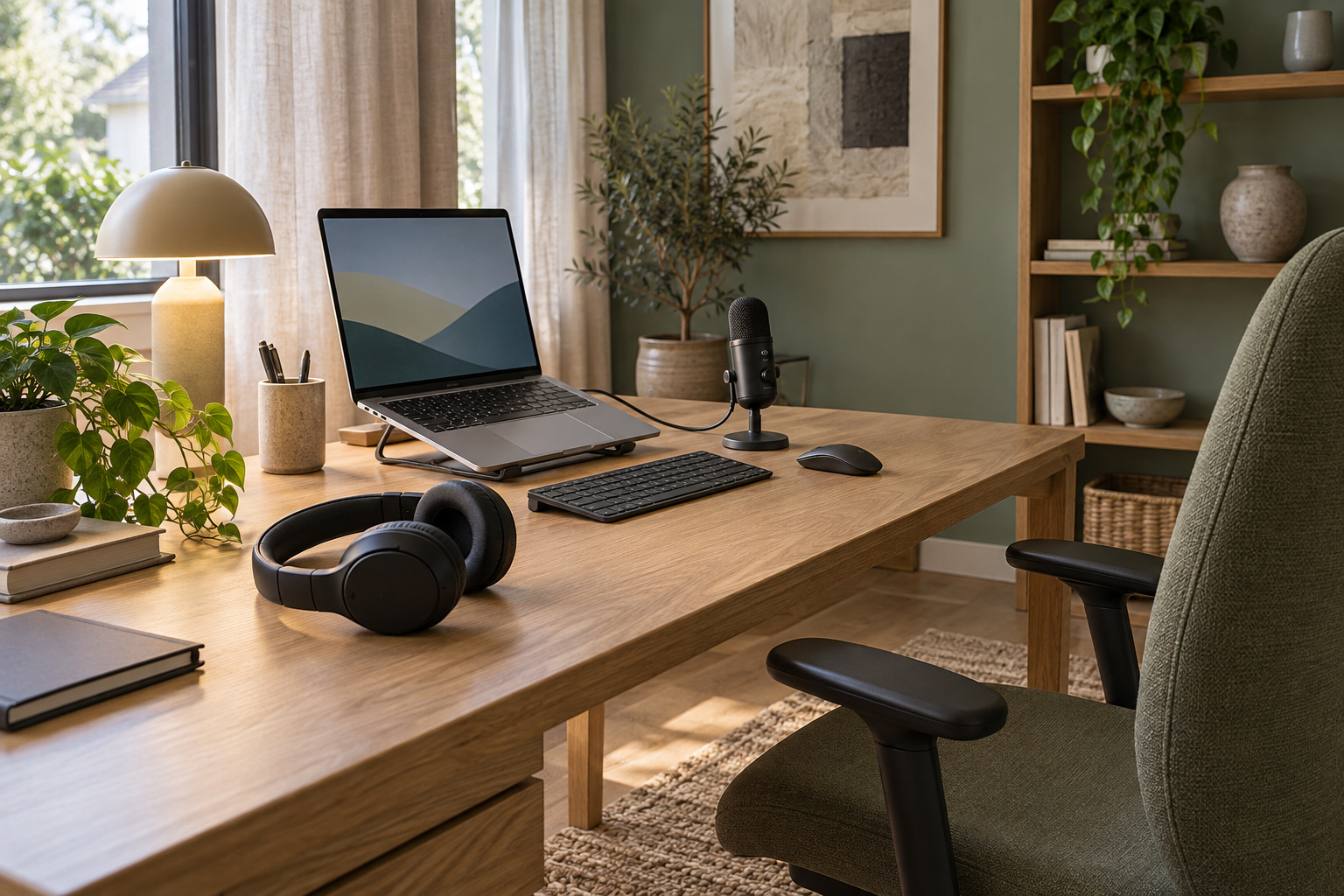
Why Bluetooth Headsets Sound Bad on Video Calls
Bluetooth audio turns thin when your microphone activates? Test separate inputs, check Windows LE Audio support, and decide whether a USB headset helps.
Read the field guide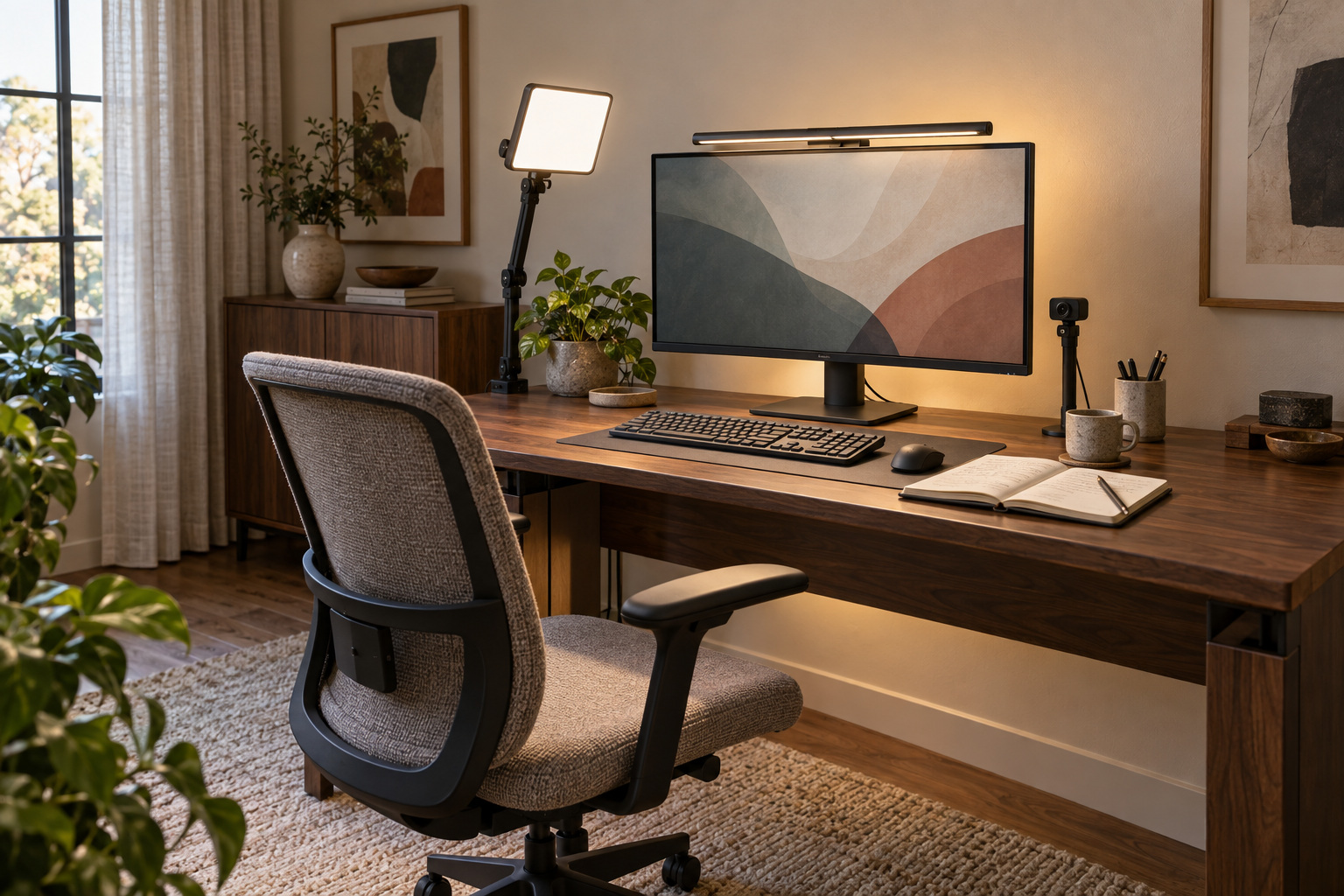
Why Desk Lights Cause Webcam Banding and How to Fix It
Desk lighting can look steady yet cause webcam banding. Check camera settings, isolate the light, and separate task lighting from light for video calls.
Read the field guide
Back-to-School AI Workstation: Build a Private Lab That Survives the Hype
A local AI workstation guide for entrepreneurs, engineering students, and science researchers who need private automation, homelabs, and selective cloud compute.
Read the field guide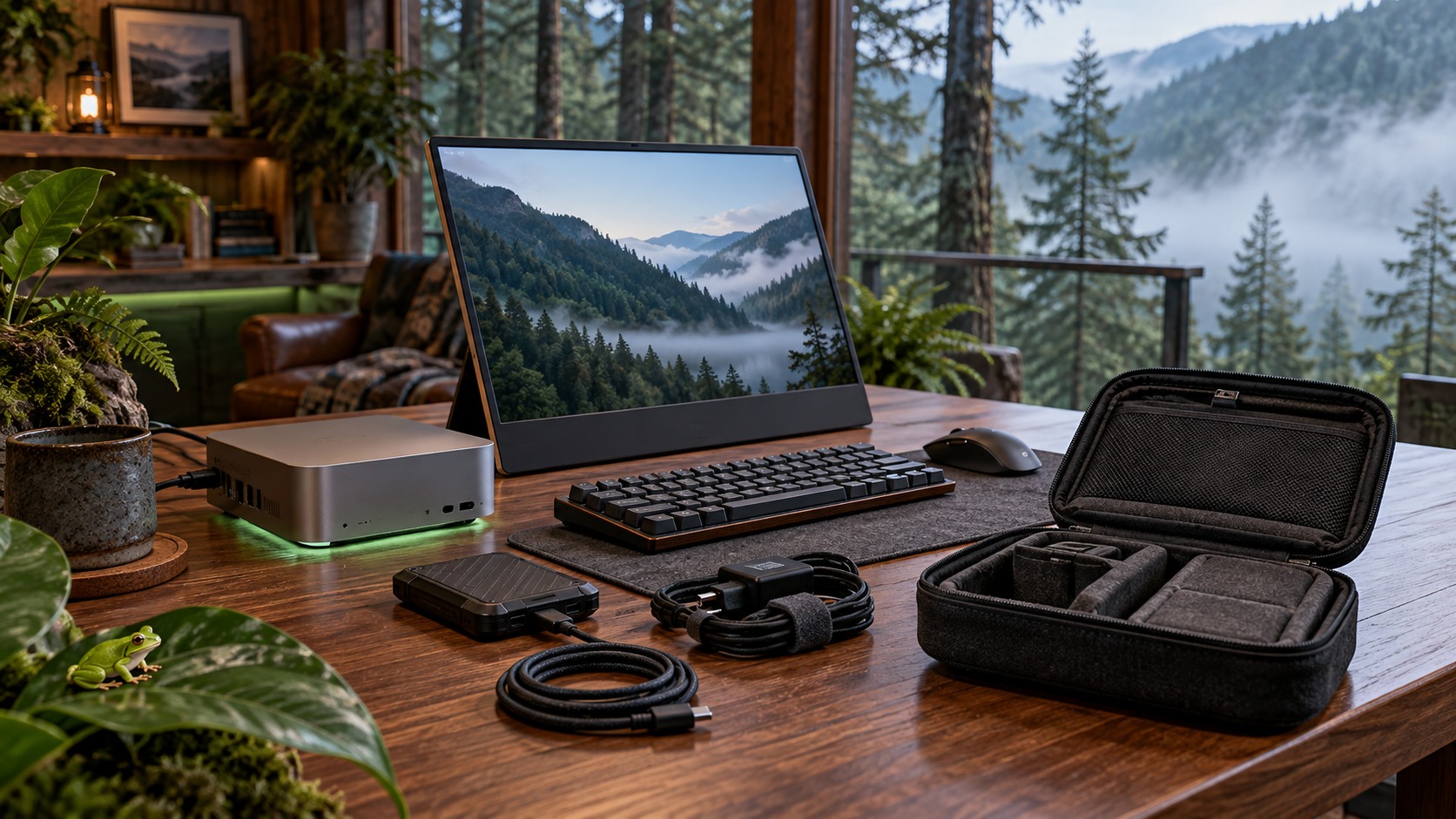
Packable Local LLM Workstation: A Digital Nomad Mini PC Guide
Choose between an M5 Pro Mac mini, a Strix Halo mini PC, and the laptop you already own for private local AI on the road.
Read the field guide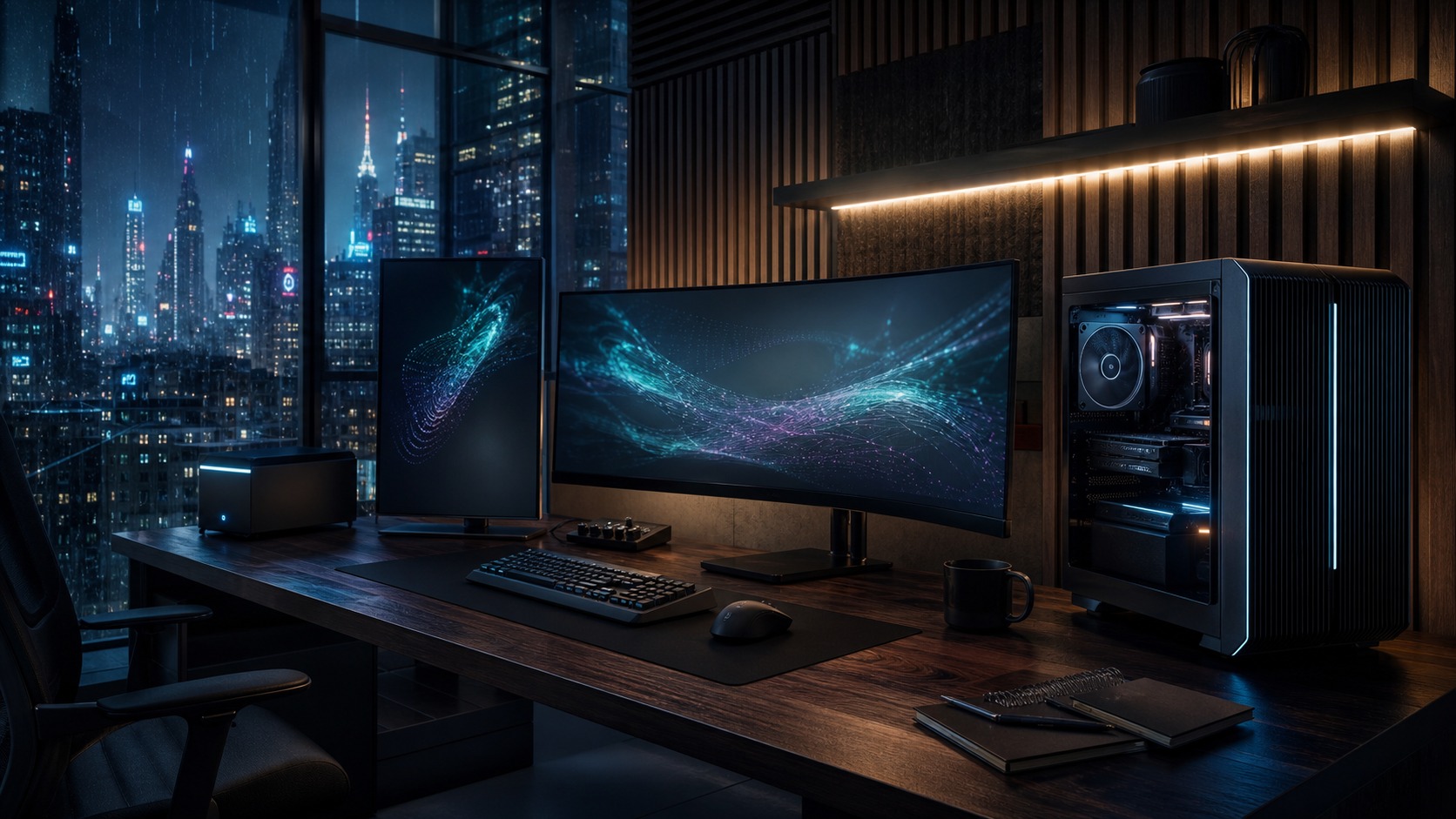
Local LLM Workstation for a Home Office: Buy Memory First
How much memory a local LLM workstation needs, which hardware fits locally hosted Qwen3.8 builds, and when cloud compute remains the better tool.
Read the field guide
Best Windows Laptops for Local LLMs in 2026: 8GB vs 12GB VRAM
Choose 8GB for a lighter local-AI laptop or 12GB for larger models. Here is what each tier can run and where each compromise begins.
Read the field guide
The Digital Nomad Workspace Starter Pack
The weak link in a travel office is usually power or WiFi, not the laptop. Pack around the failures that can stop the workday.
Read the field guide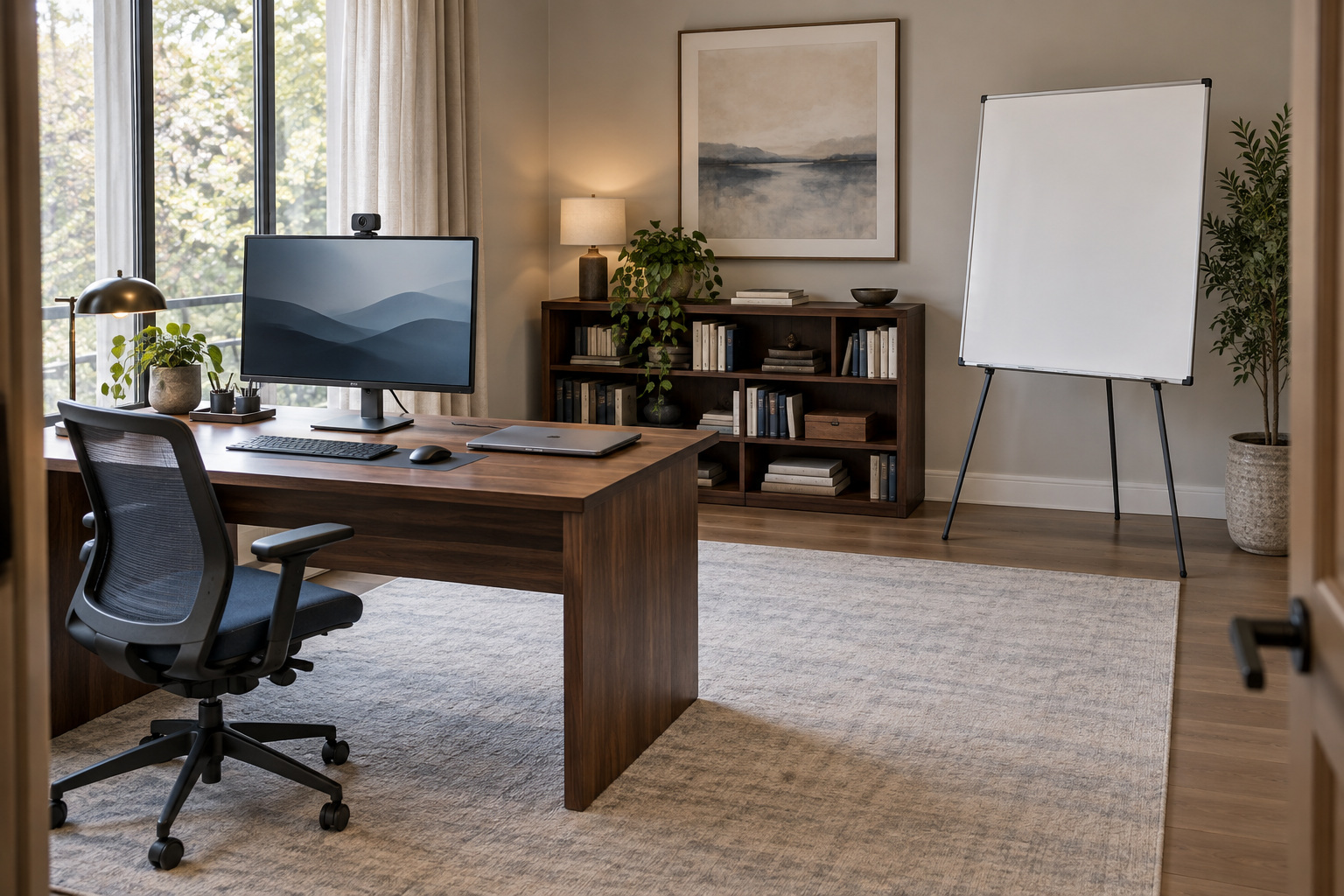
Insta360 Link 2 Pro vs Logitech MX Brio 705: Which to Buy
Compare Link 2 Pro and MX Brio 705 tracking, software limits and recording features, plus 5 alternatives for different video-call setups.
Read the field guide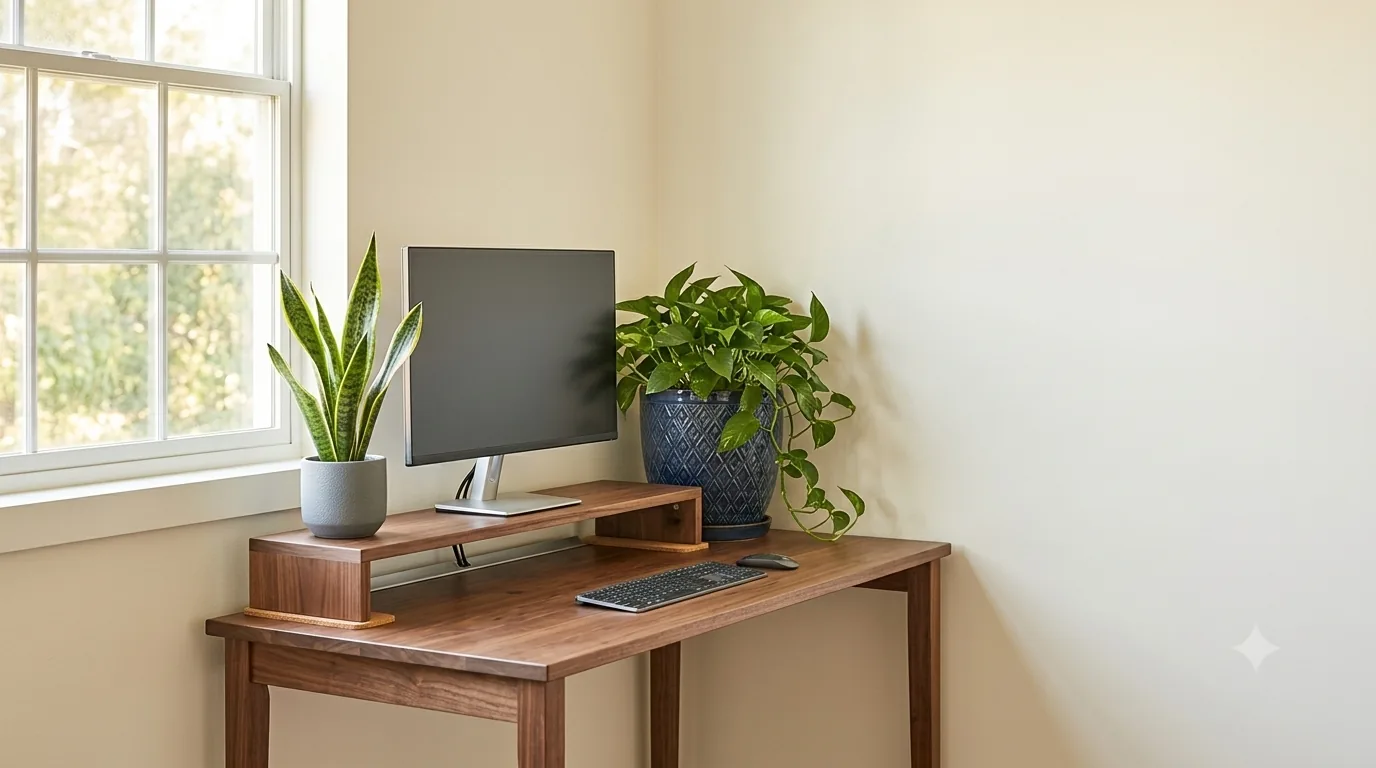
Grovemade Walnut Desk Shelf Review: Worth It for a Sustainable Desk?
Solid walnut, 31.5 inches, rated to 50 pounds. The wood is real. The 6-month warranty, the buyer-paid returns and the lead times are where this decision actually gets made.
Read the field guide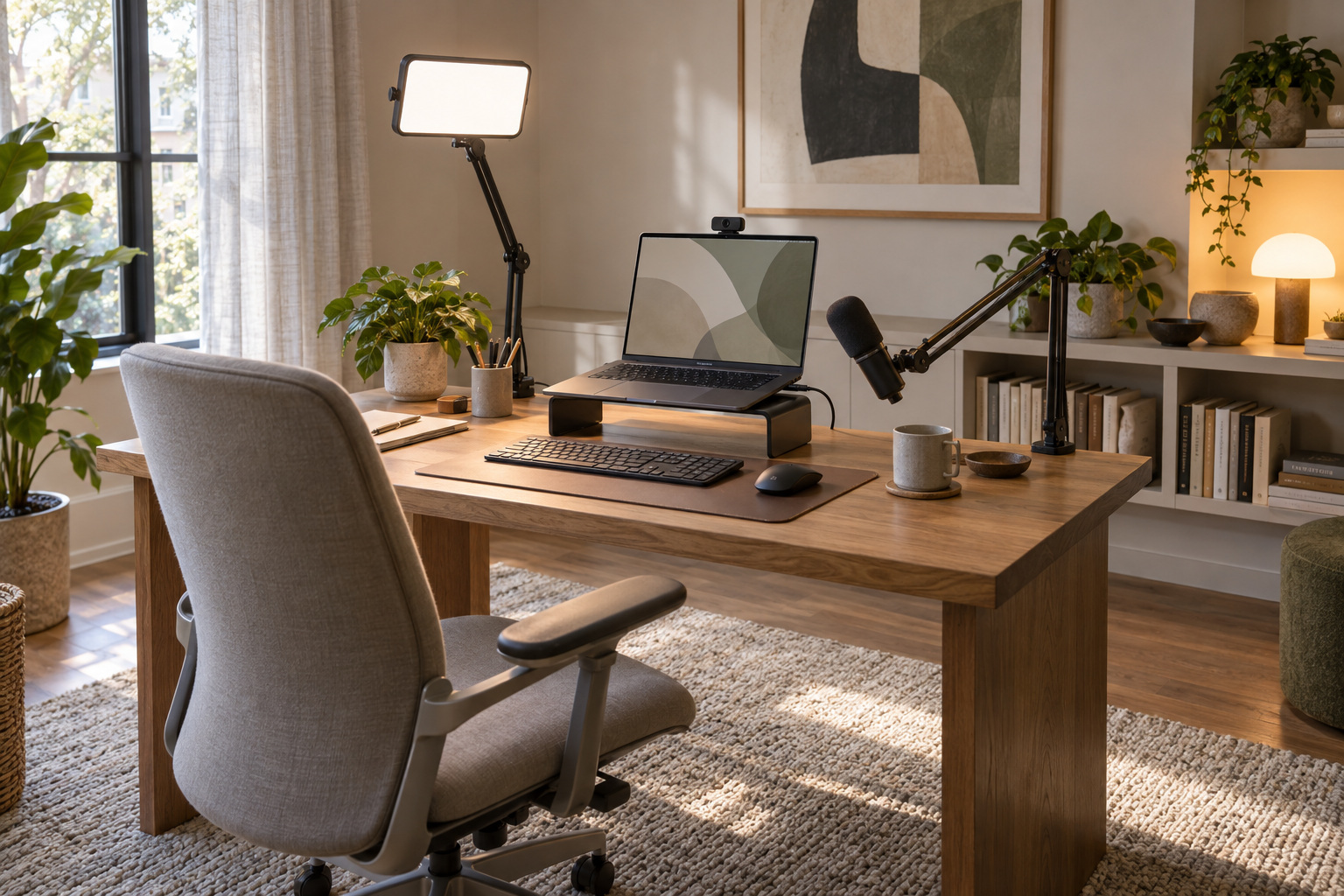
How to Look and Sound Professional on Zoom: What to Fix First
Improve your Zoom setup with practical fixes for lighting, framing, audio and background, then decide whether a better webcam earns its place.
Read the field guide