
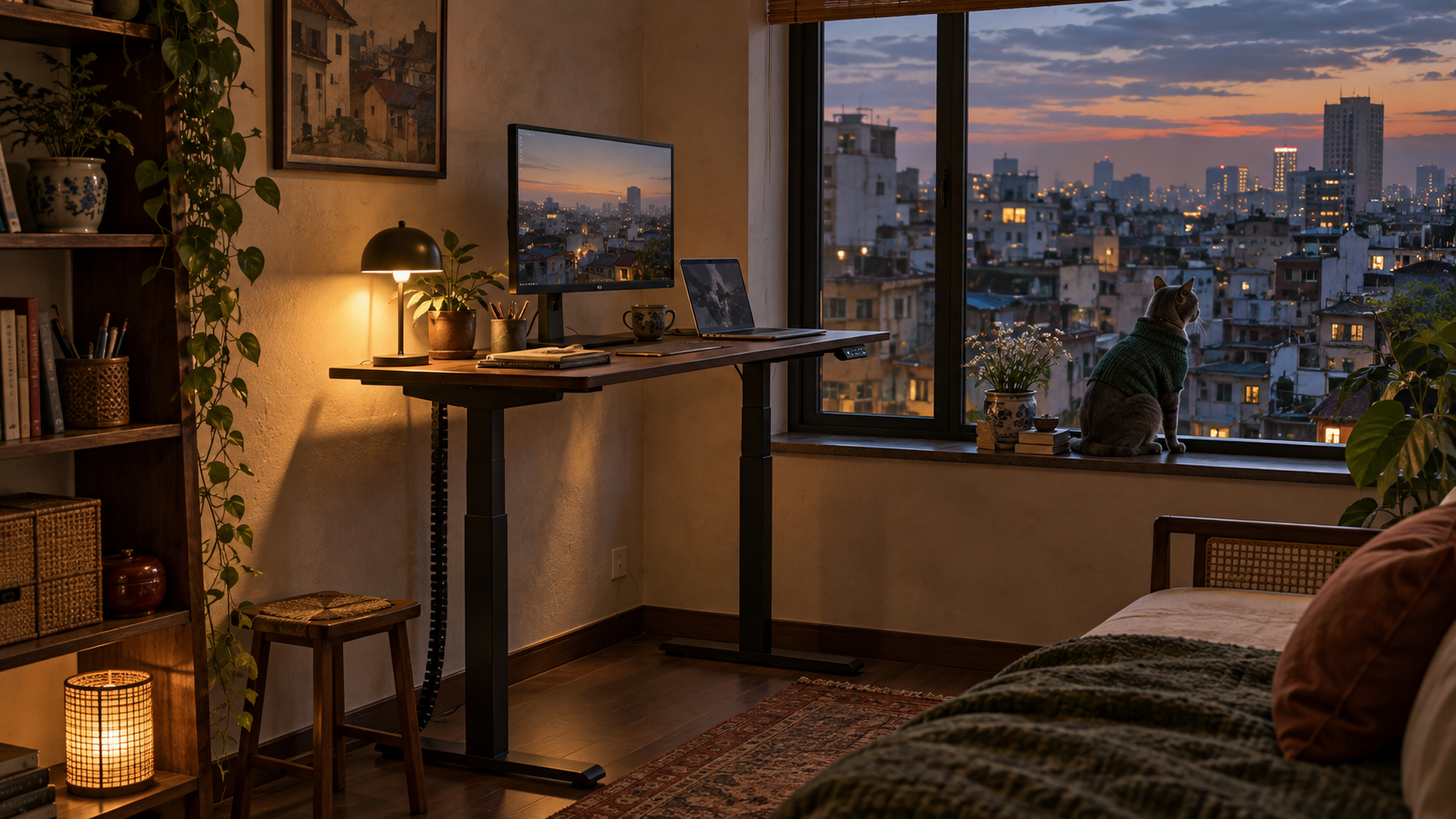
In a small apartment, standing up to work can mean abandoning your desk for the kitchen counter. I travel full time, so changing position often means changing rooms, buildings and occasionally cities.
At home, my standing desk changes the position without breaking the work flow. It is not there to make me stand all day. It gives me another way to work without wandering off.
The verdict: choose the Branch Duo 36 inch when every inch matters. Pick the Uplift V3 for a heavier monitor setup or more room to customize. Consider the FlexiSpot E7 Pro only if you have about 48 inches of wall to give it.
Measure the room the desk will actually use
Desktop width is only the first number. Check the depth with your chair pulled back, the walking path behind it and the reach of every cable when the desk is raised. A 24-inch-deep top usually asks less of a shared bedroom or living room than a standard 30-inch top.
Then check the height range against your seated and standing positions. A compact desk that cannot meet your elbows is just a smaller mistake.
Finally, count what will sit on it. 2 monitors, an arm and a desktop computer need more capacity than a laptop, but a large weight rating does not prove a desk will feel steady at full height. Treat capacity and stability as separate questions.
Branch Duo 36: when the footprint decides
The smallest Duo measures 36 by 24 inches and holds up to 275 pounds. Its rounded top and exposed-leg design look less like equipment dropped into the room, which matters when your office is also where you sleep or eat.
It includes 2 height presets and standing reminders. Cable storage is optional, so budget the space and setup for that separately.
The reason to pass is fit. Its stated height range is 28 to 47.3 inches, which is narrower than the Uplift’s. Check your working heights before letting the small top make the decision for you.
Uplift V3: when the setup is heavier
The V3 starts with a 42-by-24-inch top, lifts up to 355 pounds and includes cable management. Uplift also offers more top sizes and accessories than most people need, but that choice is useful if your desk has to support monitor arms, a computer and future changes.
Its motors are rated below 48 decibels, and the warranty runs 15 years. Neither number proves it will disappear into your room. Even at its smallest, the V3 has more visual and physical presence than the Duo.
FlexiSpot E7 Pro: when you have more wall
I bought my FlexiSpot through Amazon 5 years ago and built it myself. It has gone up and down with a full desktop setup and two large monitors, without a failure. That makes FlexiSpot worth considering, but does not make the E7 Pro my desk.
The E7 Pro uses 2 motors, accepts tops starting around 48 inches wide and is rated to lift 440 pounds. It also includes cable management and carries a 15-year warranty on its frame, motors and electronics.
The flaw is simple: it is the least compact choice here. If 48 inches crowds a doorway or keeps the room from returning to normal after work, its extra capacity is solving the wrong problem.
Who should skip the desk for now
If your chair does not fit you, fix that first. Our guide to buying the chair before the standing desk explains why.
You can also test the habit before buying. Use a stable counter for a few short work blocks and notice whether changing position helps you stay with the task. If it does, measure the wall, chair clearance and raised cable reach. Let those numbers choose the desk, not the longest feature list.
Sources checked
- Branch: Duo Standing Desk specifications
- UPLIFT: V3 Standing Desk specifications
- FlexiSpot: E7 Pro specifications and warranty
More field guides
Research the next purchase
Choose the room or problem you are working on next.
Browse all guides