
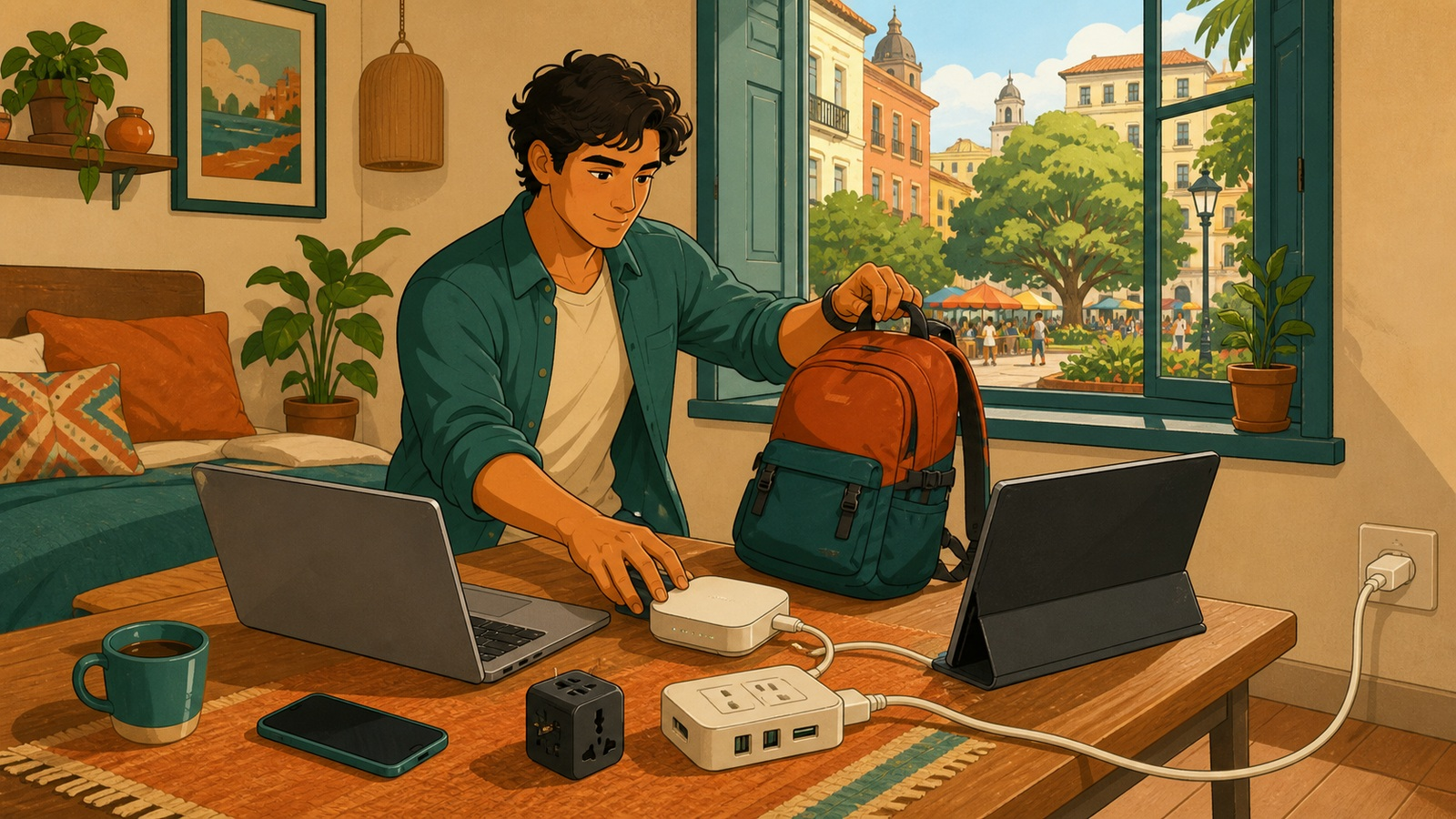
Most people build a travel office around the laptop, then lose an afternoon to the outlet behind the bed.
Verdict: pack around the failures that stop the workday. You need a laptop that keeps up, backup internet, safe electricity, and a comfortable bag.
Research basis: manufacturer documentation and independent testing, not long-term hands-on use.
1. Power is the biggest lever
A compact extension charging station is non-negotiable. The Anker Nano Charging Station (6-in-1, 67W) keeps the whole charging setup in 1 compact block.
Its 5-foot cord, 2 USB-C ports, 2 USB-A ports, and 2 outlets keep chargers off a shared table.
That reach matters when the only outlet is behind a nightstand or across the room. It can power both ends of wireless HDMI or let you charge from bed without crawling behind furniture.
Important: the Anker is not a surge protector.
Pack the location-specific plug adapter. The USB charger accepts international input, but the AC outlets pass local voltage and add no surge protection.
Check every charger for 100-240V; adapters change plug shape, not voltage.
2. Build an internet backup
Ask whether the rental WiFi has handled video calls and whether you can reach the router. Keep phone tethering or local data as backup.
A travel router creates a familiar private network and reduces repeated hotel sign-ins. The GL.iNet Beryl AX keeps that network in a travel-sized box.
RTINGS found very good speeds and decent range.
It cannot repair weak internet upstream. Pack its power supply and a tested cable; keep VPN and tethering backups ready.
3. Set up the route home before you leave
The fix for untrusted WiFi is a route back to your own network. Configure a home device as a Tailscale exit node before leaving.
Test it before flying; it may add delay, and GL.iNet labels its built-in support as beta.
Keep it powered and updated. Give remote access only to someone you would hand your unlocked laptop.
An exit node does not make you anonymous or override company policy. Follow local law and your employer’s security rules.
4. Carry what earns its weight
Documents and browser work don’t need a flagship laptop. The Acer Nitro 16S AI is a performance-first option for editing, 3D work, and software builds.
Independent testing of the same chassis found capable creative performance but weak battery life and a large charger. At 4.8 pounds before that charger, it fits slower travel better than daily cafe hopping.
A portable monitor earns its space for comparison or timeline work, but it is another slab to carry and power. Test the cable chain before leaving.
Use a padded, weather-resistant backpack that holds the electronics without becoming a second suitcase. Sore shoulders will quietly decide how much of the city you see.
Add headphones, a power bank, spare cables, offline files, and separate authentication backup codes.
Choose a rental, coworking space, or cafe for call privacy, reliable internet, and control of the workday.
The starter kit in one glance
- Power: Anker Nano Charging Station, plus the correct plug adapter.
- Connectivity: GL.iNet Beryl AX travel router, with phone tethering as backup.
- Carry: a padded day bag that fits the electronics without demanding its own luggage plan.
Who should skip most of this
If work stops when the laptop closes, a charger, adapter, phone, and compact bag may be enough. Skip the display for single-window work and the router when a single device goes online.
Test the packed setup for a day, remove what you never touch, and fix the failures that remain. The right kit keeps work moving without keeping you indoors.
Sources
- Tailscale: Exit nodes
- Anker: Nano Charging Station specifications
- UL Solutions: Power strips and surge protectors
- RTINGS: GL.iNet Beryl AX review
- GL.iNet: Tailscale support and limitations
More field guides
Research the next purchase
Choose the room or problem you are working on next.
Browse all guides