
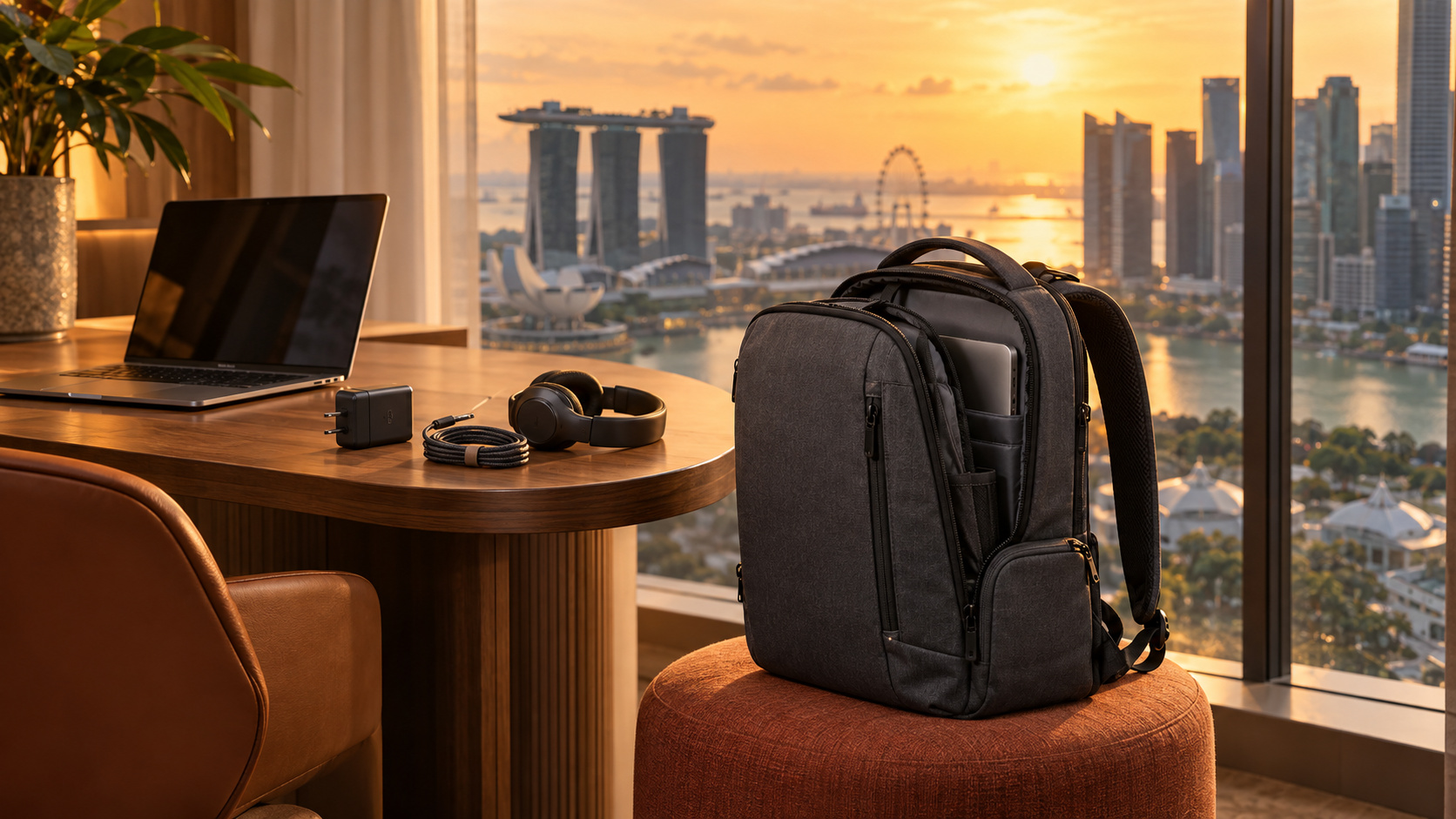
You order a coffee, find a table and open your laptop. Then you notice the sign about laptop hours. Not everything goes to plan when your workstation is mobile. Whether you are down the street, or across the world, being able to adjust and adapt is a necessity, especially when deadlines are looming. It could be as simple as poorly placed outlets, slow wifi, smoking patrons, uncomfortable chairs, and the list goes on. “Mobile, hostile, agile!” - Remember the Titans
Verdict: Build your work-from-anywhere bag around your actual kit and a backup workspace. Choose the Peak Design Everyday Backpack 20L for divided laptop-and-camera storage, or The North Face Recon for a roomier everyday load. Keep your current bag if it already does the job comfortably.
Coffee shops limiting laptops: check before leaving
Axios reported in 2025 that some cafés restrict Wi-Fi or laptops. That isn’t a universal ban. Ask about laptop hours, outlets and calls; buying a coffee doesn’t reserve a desk. A hotspot solves missing Wi-Fi, not a no-laptop rule.
Choose a backup that fits the task. Check library seating and connectivity, coworking day passes for calls, or hotel-lobby permission before settling in. Quiet writing and back-to-back meetings need different spaces.
Keep work moving from your phone
If the café allows phone-based work, leave your computer powered on at home. ChatGPT Remote and Claude Cowork Dispatch can run tasks using the connected computer’s files and apps, within granted permissions. Availability depends on your account and setup; an ordinary mobile chat doesn’t automatically access your laptop.
Pair and test the connection before leaving. Keep the host awake, online and ventilated, with the desktop app running. Use supported keep-awake settings while plugged in. OpenAI’s documented closed-lid Mac setup also requires an external display.
Don’t keep a working laptop inside your bag. Apple recommends clear ventilation and a hard, flat surface. Leave it on your desk and use your phone for prompts and approvals. Ask the café first: a phone doesn’t establish permission to work there.
Choose a backpack for your actual load
Lay out your laptop, charger, headphones and regular extras. Measure the laptop’s outside dimensions, including its sleeve. Screen size alone doesn’t establish fit.
The Peak Design Everyday Backpack 20L suits a laptop-and-camera kit. Peak Design provides removable FlexFold dividers, side access and an adjustable laptop sleeve. Check its fit guidance for your machine.
Divided storage takes learning. TechRadar’s V2 reviewer praised access and construction but found the pockets and straps took adjustment, and the shoulder straps uncomfortable under heavy loads. For just a laptop and charger, those compartments may be unnecessary.
The North Face Recon leaves more room for lunch or a layer. The North Face lists 30L capacity and a dedicated 16-inch laptop compartment; confirm the listing’s version and dimensions.
OutdoorGearLab praised its carry comfort and organization but found awkward small pockets when full and disliked the rigid back panel for cycling. Its sporty appearance may also feel out of place in a formal meeting. Try it loaded if you cycle.
Remote work essentials that earn their space
- Charger and cable: Check compatibility and wattage before assuming one charger covers every device.
- Power bank: Match laptop charging support and output. A phone bank may not power your laptop.
- Headphones: Choose a comfortable pair. Noise cancellation doesn’t make public calls confidential.
- Phone hotspot: Check tethering allowance, signal and battery use. A travel router still needs an upstream connection.
Download needed files before leaving. For flights, check power-bank capacity, quantity and onboard-use rules separately.
Who should skip a new work bag?
Keep your backpack if it protects your laptop and carries the full load comfortably. Try a cable pouch before buying more compartments. Neither bag fixes an unsuitable table or unreliable connection.
Walk with the packed bag before committing. If it feels cumbersome, remove something. Choose your backup workspace at home, while changing the plan is easy.
Cited sources
- Axios: café restrictions.
- Peak Design: features and fit.
- TechRadar: V2 review.
- The North Face: Recon specifications.
- OutdoorGearLab: Recon review.
- OpenAI: Remote setup.
- Anthropic: Dispatch requirements.
- Apple: ventilation.
More field guides
More Remote Office guides
Offline AI and a Pocket Library: Keep Working When the Wi-Fi Dies
Set up local AI, offline Wikipedia and downloaded maps before an outage. Know what belongs on a portable drive, what stays on your phone, and what to test.
Read the field guide
Gifts for Someone Who Works From Home (or From Anywhere)
Useful gifts for remote workers, chosen around their actual desk or travel bag: practical picks, compatibility checks, and the gifts to ask about first.
Read the field guide
Airline Power Bank Rules 2026: What Still Flies in Your Carry-On
Check 2026 airline power bank rules: carry-on limits, watt-hours, Southwest restrictions and when you can use a portable charger onboard.
Read the field guide