
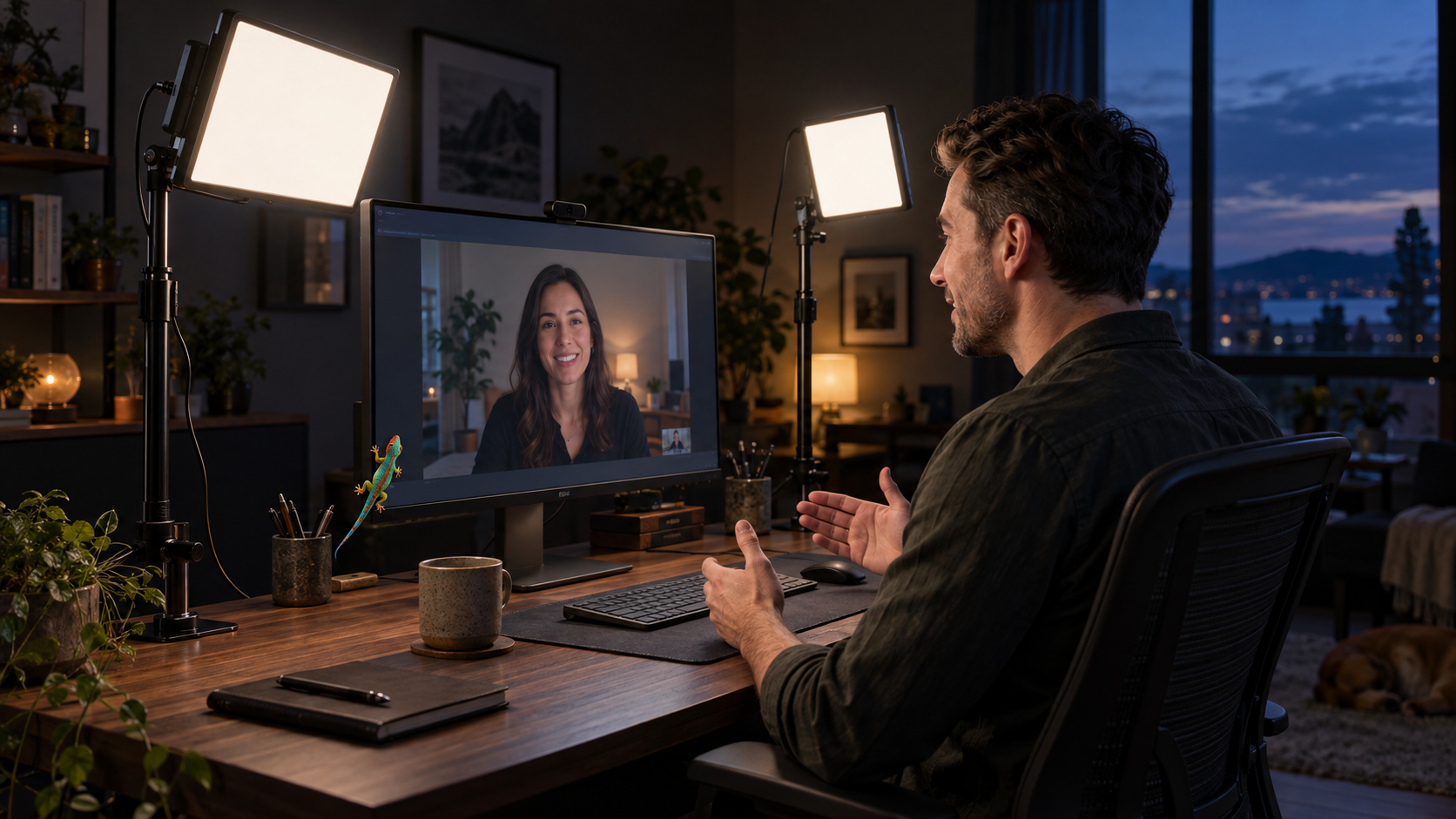
Your client call starts in 2 minutes. The window has gone flat, the ceiling light is carving shadows under your eyes, and your webcam is trying to make sense of both.
The verdict up front: the NEEWER GL25B is the better video-call light for most home offices. It includes its power adapter, works without Wi-Fi, and gives you panel controls plus a separate remote.
Choose the Elgato Key Light Air MK.2 instead for stronger maximum output, USB-C power, or Stream Deck integration. Just account for one awkward omission: the standard package does not include the power adapter needed for full brightness.
Elgato Key Light Air MK.2 vs. NEEWER GL25B at a glance
| Feature | Elgato Key Light Air MK.2 | NEEWER GL25B |
|---|---|---|
| Claimed output | Up to 2,100 lumens | 1,400 lumens; 2,300 lux at 0.5 m |
| Claimed CRI | Above 94 | 98+ |
| Controls | Panel, Control Center, Stream Deck | Panel, included remote, PC/Mac app |
| Power | USB-C PD; adapter sold separately | DC adapter included |
| Best fit | Flexible creator setup | Straightforward work setup |
The figures come from the current Elgato specifications and NEEWER specifications. They are manufacturer claims, not our own lab results.
Why the NEEWER GL25B wins for client calls
The GL25B has the less glamorous advantage: fewer dependencies. Its box includes the light, clamp-on stand, ball head, power adapter, cable, and RT100 remote.
You can adjust brightness and color temperature from the panel or remote. Its USB transmitter also connects the light to NEEWER Control Center on Windows or macOS without an internet connection, which avoids a fight with managed office Wi-Fi.
The smaller panel is easier to place beside a crowded monitor, although the clamp still needs a usable desk edge.
The catch is flexibility. The GL25B uses DC power, and its documented software support is limited to Windows and macOS. It is the simpler work light, not the stronger mobile ecosystem.
When the Elgato Key Light Air MK.2 is worth it
The current model is the Key Light Air MK.2, not the discontinued square original described in older reviews.
The MK.2 has onboard touch controls, 2 saved presets, USB or Wi-Fi control, and Stream Deck support. Its wider panel, higher maximum output, 3 quarter-inch mounting threads, and MagSafe-compatible ring suit a desk that doubles as a recording setup.
Power is the catch. Elgato lists about 400 lumens at 7.5W, 750 at 15W, 1,270 at 20W, and up to 2,100 at 27W or more. It recommends a 30W USB-C PD source for full brightness, but the standard box includes only the cable.
Check the wattage of your planned port or adapter before ordering. A laptop connection may be enough for a close desk shot, but it may not deliver the output on the headline.
Who should skip both lights?
If daylight lights your face evenly during your usual meeting hours, buy neither. Face the window, turn off the overhead light, and record 30 seconds in your normal call app first.
Skip both if your real problem is banding or pulsing from another lamp. Use our guide to diagnose webcam banding before replacing the wrong light.
Place one key light before buying a second
Mount the panel slightly above eye level and 30 to 45 degrees beside the camera. Angle it toward your face, keep it close enough to stay soft, then lower the brightness until your skin retains detail.
For a fixed work desk, the GL25B wins by asking less of you. For a desk that also records video, the Key Light Air MK.2 earns its extra complexity through output and control.
Building the rest of the frame? See what to buy first for desk, travel, and kitchen video setups.
More field guides
Research the next purchase
Choose the room or problem you are working on next.
Browse all guides