
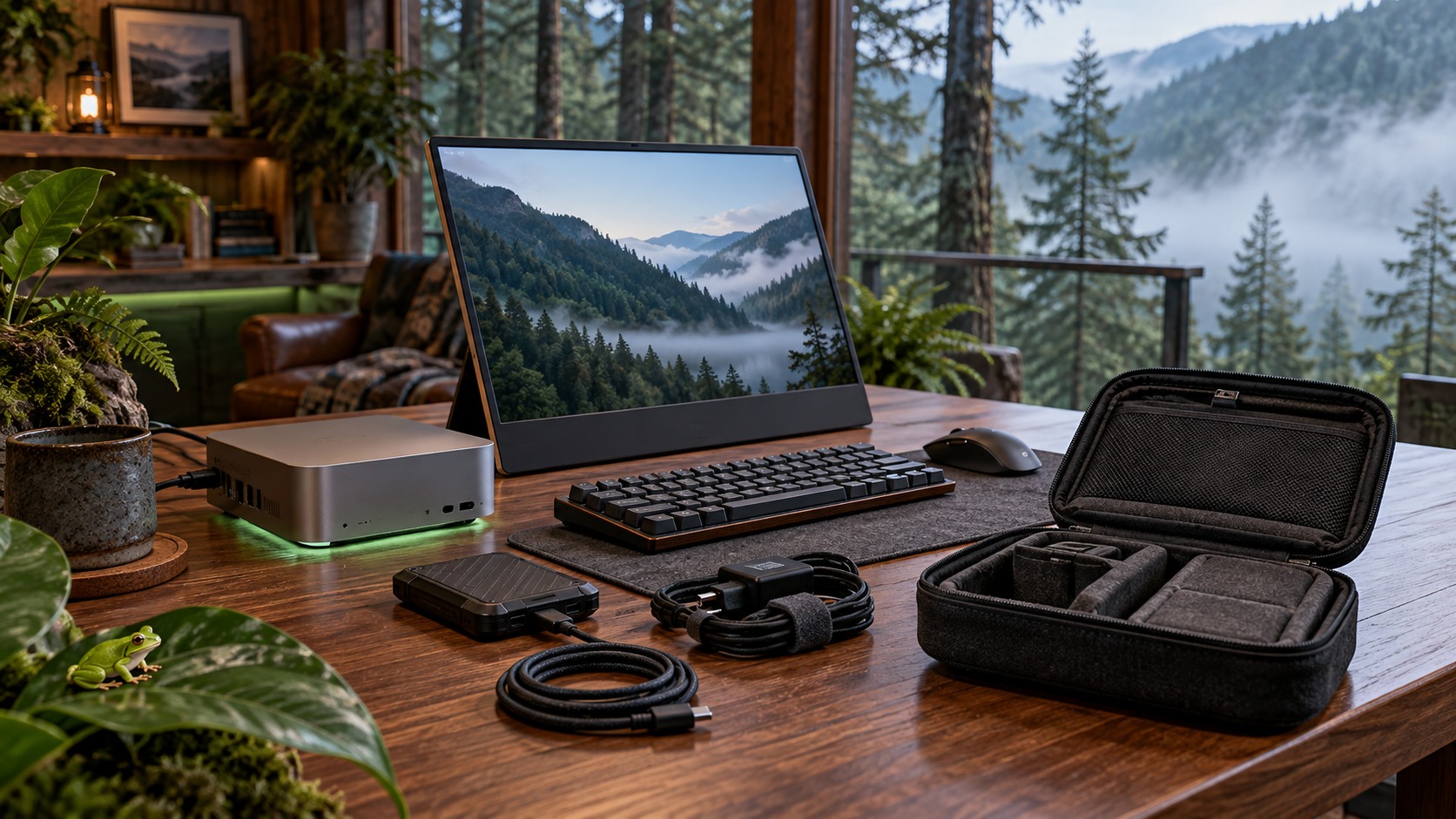
A mini PC can fit in one hand and still become a daunting task at airport security. The screen, keyboard, SSD, power cable, and adapters all have to make the trip too.
The verdict up front: build around a 48GB M5 Pro Mac mini if you want the cleanest setup, or a 64GB GMKtec EVO-X2 if you prefer Windows or Linux. Jump to 128GB only when a named model or workflow requires it.
Start with the way you travel
A mini PC suits the slowmad pattern: move every few weeks, unpack once, then work from the same desk. If the machine needs to open on a plane or follow you through a different cafe each morning, the Windows local LLM laptop guide is the better starting point.
Packable is not untethered. Local inference wants wall power, and the portable monitor is usually the most fragile piece in the bag.
The simpler kit: M5 Pro Mac mini with 48GB
Apple’s current Mac mini specifications list 48GB and 64GB memory options for the M5 Pro, 307GB/s memory bandwidth, and a 1.6-pound chassis with an internal power supply. That last detail matters when every loose brick and cable becomes another thing to leave behind.
A Q4_K_M build of Qwen3.8-27B uses roughly 16 to 19GB for its weights, according to IntuitionLabs. The 48GB configuration leaves practical room for context, the runtime, and the apps surrounding the model.
The catch is permanent. Memory is soldered, and the base M5 Pro configuration has 24GB, so choose the memory before checkout rather than planning an upgrade later.
The flexible route: EVO-X2 with 64GB
GMKtec pairs the Ryzen AI Max+ 395 and Radeon 8060S with 64GB or 128GB of shared memory. The 64GB EVO-X2 configuration is the sensible travel tier for Qwen3.8-27B plus a smaller second model.
It is less elegant in the bag. The chassis measures about 193 by 186 by 77mm and uses an external power adapter.
Beelink, Framework, Bosgame, and HP also sell Ryzen AI Max+ 395 systems. The memory logic travels across those machines, but cooling, ports, support, and availability do not, so compare the box rather than treating the chip as the whole product.
Buy memory for work you can name
Starter: use the laptop you own, a smaller local model, and cloud overflow.
Professional: choose the 48GB Mac mini or 64GB EVO-X2 and reuse the peripherals already in your bag.
Studio: choose 128GB only when a large model is already part of the plan. On Strix Halo, a dense 70B model managed about 5 tokens per second in DataHardware’s comparison, while mixture-of-experts models were much faster. Parameter count alone does not tell you how the machine will feel.
I keep a quantized Qwen3.8 build on an external drive. It proves the workflow can travel, but one loose cable can disconnect the model mid-task. Keep the working copy on the internal SSD and carry an encrypted backup such as the Samsung T7 Shield 4TB.
Who should skip
Skip the mini PC if you work in transit, change desks daily, or cannot protect a portable monitor. A capable laptop removes too many failure points.
Cloud access may also be the lighter answer when fast internet follows every trip and the files can leave your machine. Local AI earns its luggage space only when privacy or offline independence survives the unpacking.
For the rest of the physical kit, use the digital nomad workspace starter pack.
More field guides
Research the next purchase
Choose the room or problem you are working on next.
Browse all guides