
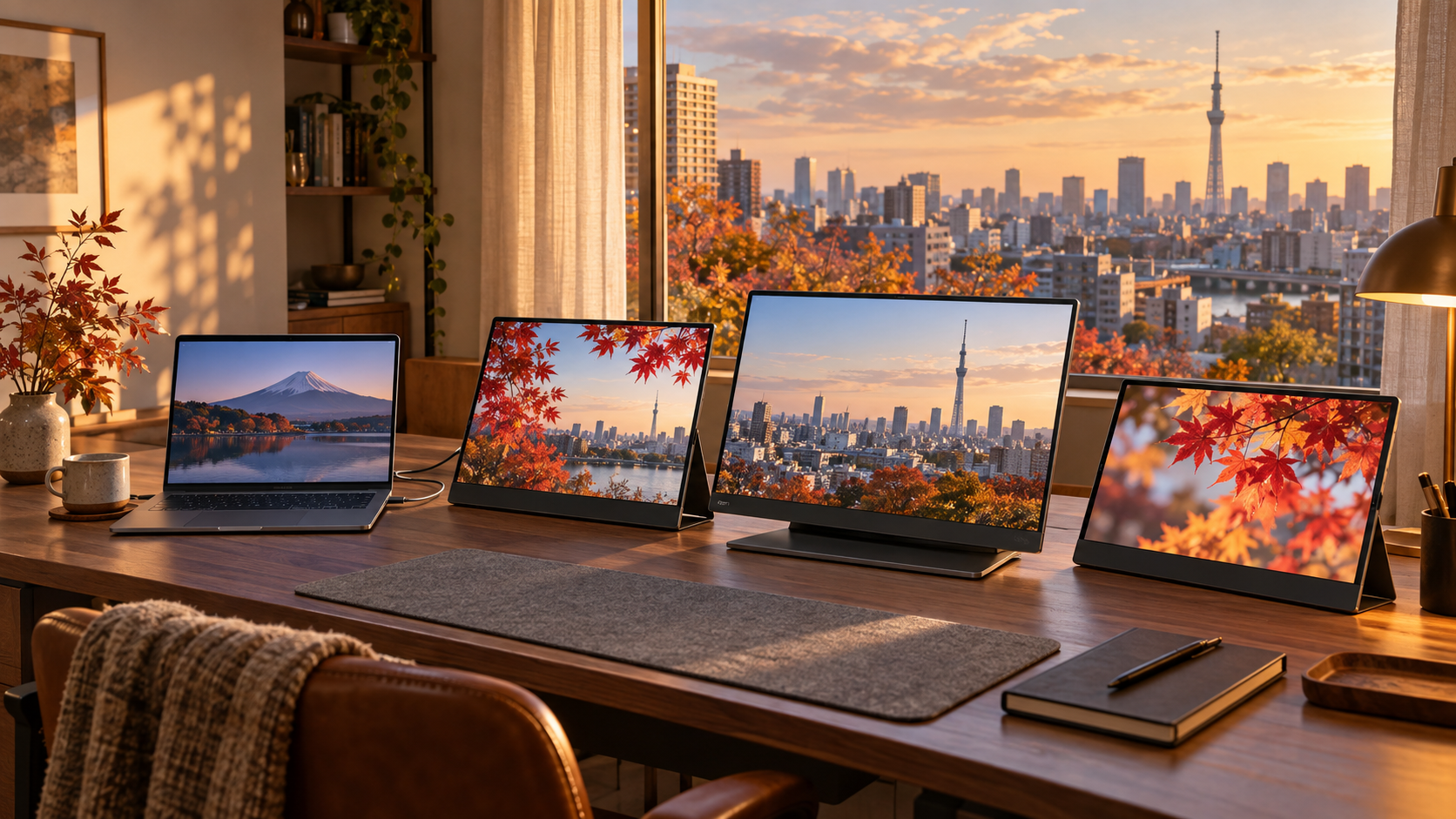
I bought my first portable monitor by sorting from the bottom of the page. It was a plain plastic panel with a nervous stand, and I expected it to retire to a drawer after one trip.
Instead, it changed how I work away from home.
The verdict up front: a budget portable monitor is a sensible trial. Once it becomes part of your weekly setup, the Dell Pro 14 Plus P1425 is the strongest travel-work upgrade here. Choose the ASUS ZenScreen OLED MQ16FC for the better screen, or the ViewSonic VG1656N when working without a display cable matters more than color quality.
The budget monitor was not a mistake
On one laptop screen, I kept shuffling notes, sources, and my draft. The second display let the reference stay put while I worked beside it. The benefit was less window switching allowing for faster and more efficient work, not just extra screen for its own sake.
After enough coffee shops, hotels, Airbnb’s and borrowed kitchen tables, the experiment was over. The folding stand, exposed ports, and separate power and video leads had become weekly irritations. I did not need a more prestigious screen. I needed fewer failure points, and a better picture.
3 portable monitor upgrades that earn the step up
Dell Pro 14 Plus P1425: the practical work upgrade
The 14-inch Dell is the easiest model here to carry. Its integrated stand supports portrait or landscape use, and a USB-C port on either side makes awkward cable routing less likely which I can appreciate. It can also pass up to 65W from a compatible charger to the laptop.
Tom’s Hardware found a bright, accurate IPS panel but a thin feature set. There is no battery, speaker, touchscreen, or HDMI input. Buy it for reliable office work in a small travel bag, not just the appealing appearance.
ASUS ZenScreen OLED MQ16FC: the display upgrade
The ASUS is the image-quality jump: a 16-inch, 1920 x 1200 OLED panel, deep blacks, an aluminum 1.5-pound enclosure, a sturdy kickstand, Mini HDMI, and 2 USB-C inputs with up to 65W power pass-through.
Tom’s Hardware measured excellent color coverage but only 271 nits at its brightest tested setting. The glossy screen, 60Hz refresh rate, and lack of a battery make it a poor fit for sunny cafe tables or outlet-free work. Choose it for richer color and lighter travel indoors.
ViewSonic VG1656N: the outlet-free upgrade
The ViewSonic’s battery and wireless dongle can extend or mirror a computer without a display cable. With external power, it can pass up to 60W to a laptop.
PCWorld measured only 64% of sRGB coverage and about 1.5 hours of battery life at full brightness. Wireless input also has modest lag. Choose it for documents and spreadsheets away from an outlet, not color-sensitive work.
Check the USB-C chain before buying
One-cable operation depends on the laptop, monitor, and cable. The laptop port must support video output, usually listed as DisplayPort Alt Mode, USB4, or Thunderbolt. A USB-C port that carries charging or data alone may not send a picture.
Power pass-through is separate. Confirm the monitor’s power input, output, and cable requirements against your laptop before ordering.
Who should skip the upgrade?
Stick to a budget model if it connects reliably and gives you enough room to work if price is the issue. Skip the category if the extra screen rarely leaves your bag.
Upgrade only when you can name the recurring problem. Choose the Dell for lighter travel, the ASUS for a better panel, or the ViewSonic for battery-powered freedom. The right premium is the one that removes friction you have already measured.
More field guides
Research the next purchase
Choose the room or problem you are working on next.
Browse all guides