
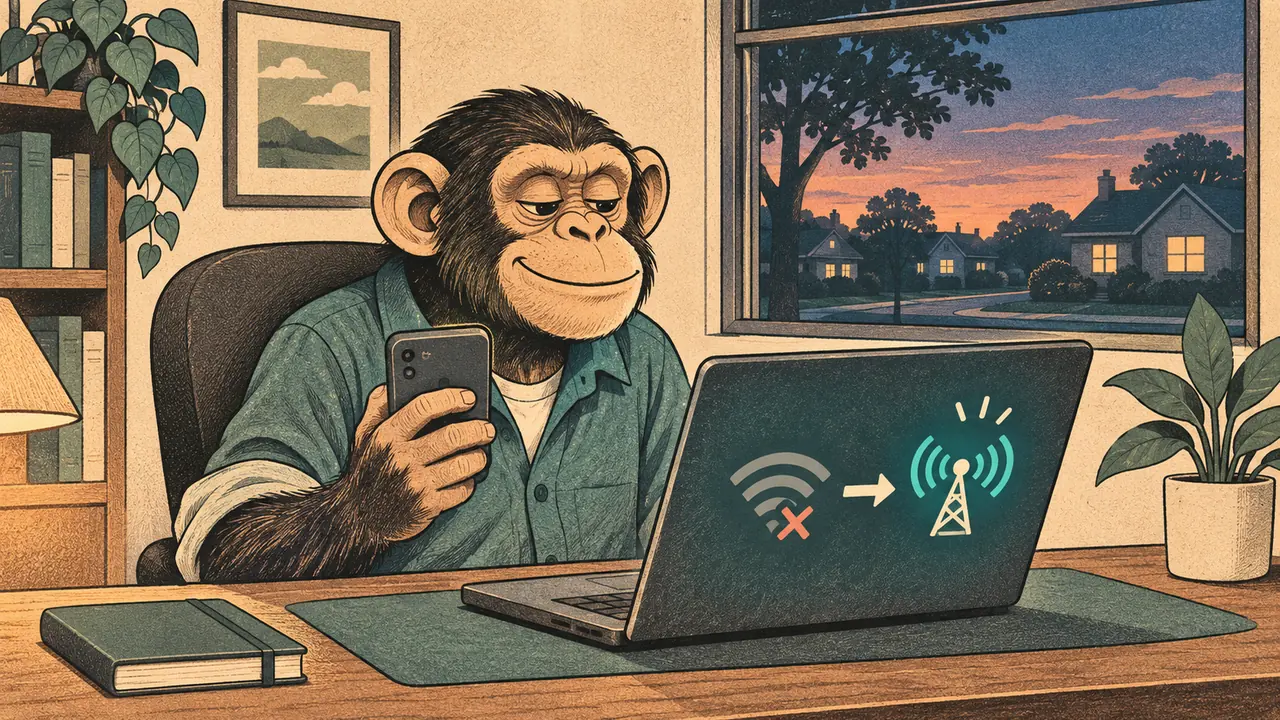
The call freezes. You wonder whether everyone is making that face on purpose.
Verdict: test your phone hotspot first, then add another connection if the cost of being offline justifies it. Choose a backup that avoids your main connection’s weak spot. Satellite can help with a broken local line; another device on the same failed carrier cannot.
Back up what actually fails
If your broadband fails but mobile data works, a hotspot may be all you need. If the carrier itself fails, a dedicated hotspot using that carrier shares the problem. Another SIM is only useful if it gives you a working network where you are.
Test from your workroom, with your meeting app and VPN.
Layer 1: A phone or a 5G hotspot
A phone hotspot can handle work, including calls, when signal, data allowance and network conditions allow. Try it before assuming you need a separate box.
The NETGEAR Nighthawk M7 keeps tethering on a separate device. NETGEAR lists Wi-Fi 7 and eSIM plans covering more than 140 countries. Those features do not guarantee a stronger cellular signal than your phone. Check the specific country’s coverage, carrier compatibility and data allowance; Wi-Fi 7 describes the nearby wireless link, not the speed of the tower.
Layer 2: Satellite needs its own power plan
Starlink gives you a path beyond the local cable or mobile tower, but it still needs electricity, a suitable service plan and a clear view of the sky. Use its app’s obstruction check before choosing a place for the dish.
Starlink’s Mini spec sheet lists average consumption of 25–40W. For its USB-C-to-barrel cable, Starlink specifies a USB Power Delivery source rated for 100W at 20V/5A. A phone-charging bank may not qualify. Include the dish in your home-office backup-power calculation.
Standby Mode, where available, offers low-speed data up to 500Kbps under current Starlink terms. Think short messages and reactivation, not a dependable video-call plan. Eligibility varies by plan, hardware and country. I am in the process of buying Starlink; I have no firsthand outage results to offer yet.
Layer 3: Texts and news with no internet
- Satellite SOS. Apple supports Emergency SOS via satellite on iPhone 14 and later in supported regions, including the US, when cellular and Wi-Fi are unavailable. It needs a clear view of the sky and horizon. This is an emergency feature, not work internet.
- News. Midland lists hand-crank and solar charging plus NOAA weather reception for the Midland ER310. A receiver helps you hear information; it does not send your boss an update.
- Local voice. FRS radios such as the Midland T77VP5 operate without an individual license in the US. Agree on channels and test where you will use them. Advertised maximum range is not a neighborhood guarantee.
- Local text. Meshtastic radios relay short messages without internet or cellular service. The LILYGO T-Deck Plus has a screen and keyboard, but needs compatible firmware and setup. Other users must be within a workable radio path, with compatible region and channel settings. More devices do not automatically mean better coverage. It could be a wonderfully dystopian group chat; it still will not run your video meeting.
Who should skip the extra gear
If the tested phone hotspot covers your needs, stop there. Otherwise, arrange a quiet 10-minute test away from a real deadline: disconnect your laptop from home Wi-Fi, switch to the backup, and open the tools you need. Then check the full outage plan and keep offline work ready for the gap neither connection covers.
Cited sources
- NETGEAR, Nighthawk M7 features and eSIM coverage.
- Starlink, Mini spec sheet.
- Starlink, Standby Mode terms and eligibility.
- Starlink, Mini setup and obstruction check.
- Apple, Emergency SOS via satellite.
- Midland, ER310 features.
- Midland, US FRS licensing and radio limitations.
- Meshtastic, off-grid messaging.
- Meshtastic, T-Deck Plus hardware and firmware.
More field guides
More Remote Office guides

How Much Backup Power Does Your Home Office Really Need?
Size home-office backup power from measured watts, compare a UPS with a power station, and check transfer, charging and solar limits.
Read the field guide
The World Might End. Your 10 a.m. Call Will Not.
Keep working through power, internet and cloud outages: practical checks, backup layers and a calm message to send your boss.
Read the field guide
Background Blur Glitching on Video Calls? Fix the Room First
Fix disappearing hands and fuzzy background blur with better light, a quieter background and an effects check before buying another webcam.
Read the field guide