

These are turbulent and trying times. The news reads like a script nobody would greenlight. And yet here we are, you and me, making a plan to protect a video call or anything else needed to keep income on our tables.
Rent is still due on the first. Verdict: keep a small working desk powered, test another way online, and save enough work locally to make progress without the cloud. Start with what you already own; the outage does not require a shopping spree.
First, figure out what actually broke
- Lights off? Check whether the outage reaches beyond your room before treating it as a grid failure.
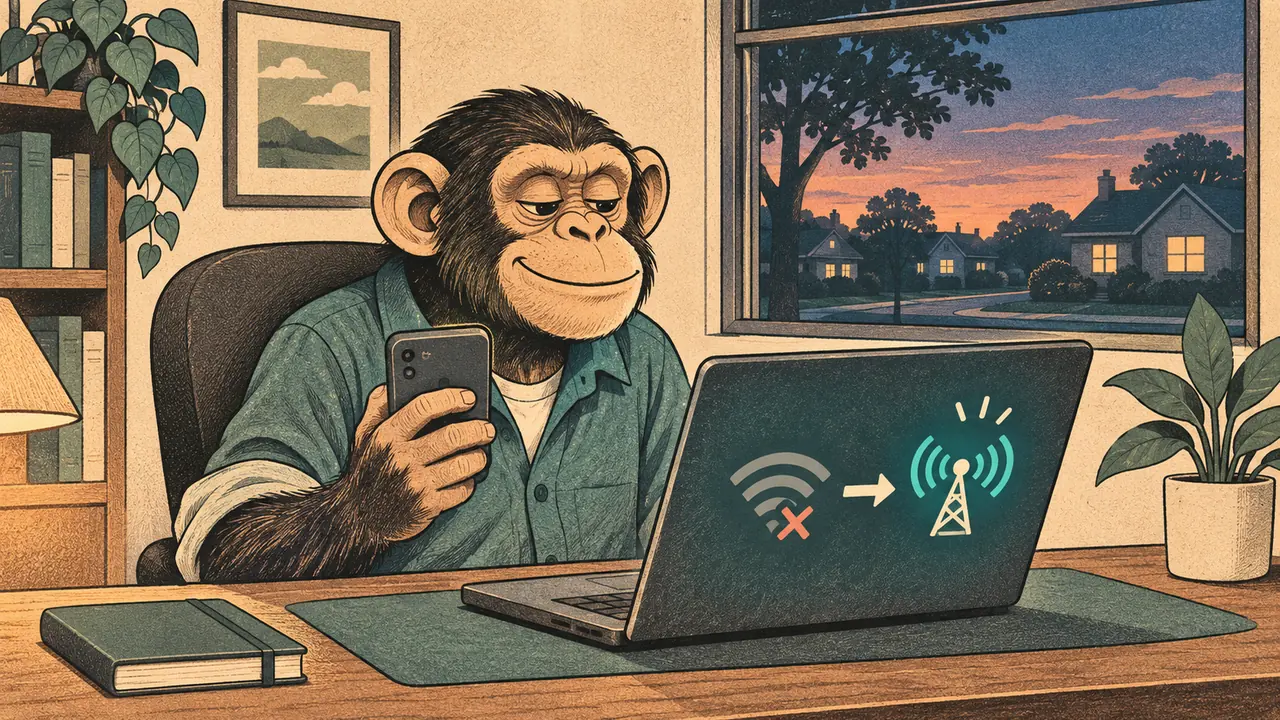
- Lights on, internet gone? Check power to the modem and router, then try mobile data with your phone’s Wi-Fi off.
- Other sites load, one work app doesn’t? Check that provider’s status page. Your local connection may be fine.
Cloudflare’s November 18, 2025 incident report is a useful reminder: a service failure elsewhere can interrupt your day while your own equipment still works. Rebooting the router will not mend somebody else’s infrastructure.
Layer 1: Keep the lights on
Choose the smallest desk you can do useful work on. A laptop and essential network equipment need less backup than your whole room, but runtime depends on their actual draw.
The Jackery Explorer 1000 v2 is a 1,070Wh example to size against, rather than a promise of a full day. My desktop runs local AI; I would measure that load separately before choosing its battery. The math lives in how much backup power your home office really needs.
Layer 2: Keep the connection
Try your phone hotspot first. Check that your plan permits tethering and that your work laptop can connect, including its VPN. Do this before you need it.
A backup is more useful when it avoids the failure you expect: another carrier for a carrier outage, or satellite for a broken local line. I am in the process of buying Starlink, so I cannot give you an outage-tested verdict on it. Power, sky access and an active service plan still matter. See backup internet for working from home.
Layer 3: Keep your work with you
Save the documents and tools you can legally use offline. Open them once with the connection off; a filename in a sync folder can still be a download waiting to happen.
I keep model files on a flash drive. Build your own with offline AI and a pocket library.
Tell your boss early
The scariest part of an outage isn’t the dark. It’s looking unreliable. Send a short message the moment you know: “Power’s out in my area. I’m switching to backup and will update you by noon.” Calm and early beats perfect and late.
What I use
I own a Jackery with small solar panels. I also have a local AI rig on my desktop and model files saved on a flash drive. Google drive has also been a savior at times I need to access files by phone, and with cloud services most of my work with Claude and Codex can still be completed on my cellular device. Before relying on a setup like this, test the handoff between its parts.
If it lasts longer than a few days
Reassess whether staying home is still sensible. A battery only solves the power problem.
Signal shielding is a separate job. MOS Equipment describes its Mission Darkness Non-Window Faraday Bag for Phones as blocking wireless signals when correctly sealed. That also makes the phone inside unreachable. I would treat it as an optional pouch for a spare, not evidence that your working setup will survive a disaster.
Who should skip all this
If your work lives in a browser and your area rarely loses power, a phone hotspot and a charged laptop may be enough. Everyone else: pick a layer and test it this week, before the world gets dramatic again.
Cited sources
- Cloudflare, November 18, 2025 post-mortem.
- Jackery, Explorer 1000 v2 capacity.
- MOS Equipment, phone-pouch shielding and closure instructions.
More field guides
More Remote Office guides
Internet Down? A Calm Backup Plan for Working From Home
Test your phone hotspot, plan satellite power and sky access, and understand what off-grid radios can do when work internet fails.
Read the field guide
How Much Backup Power Does Your Home Office Really Need?
Size home-office backup power from measured watts, compare a UPS with a power station, and check transfer, charging and solar limits.
Read the field guide
Background Blur Glitching on Video Calls? Fix the Room First
Fix disappearing hands and fuzzy background blur with better light, a quieter background and an effects check before buying another webcam.
Read the field guide