
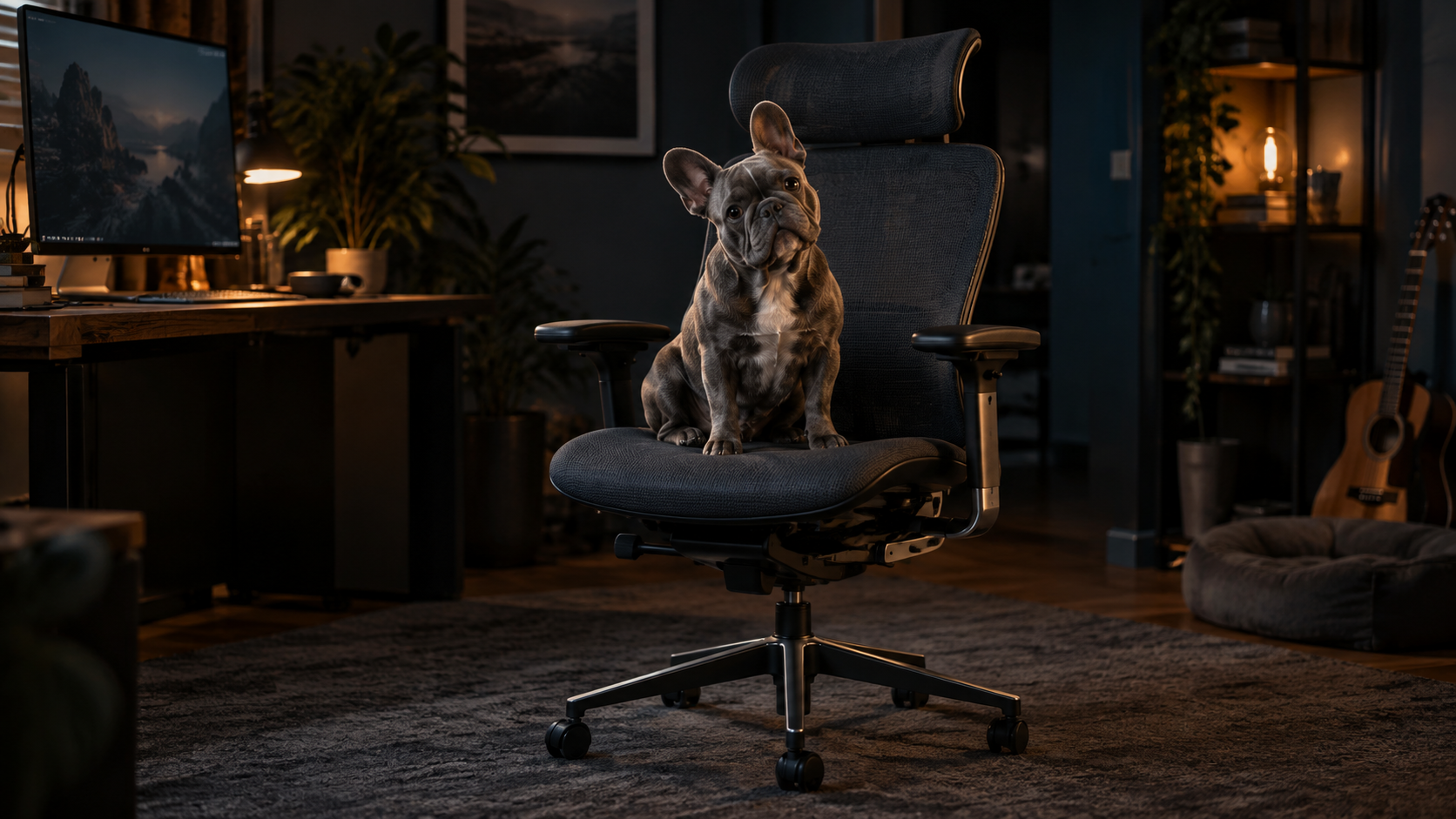
The chair feels fine at 9 a.m. Then the day gets complicated. You move from a keyboard to a drawing tablet, lean toward a timeline, take a call, and discover that the armrest supporting you ten minutes ago is now in the way.
That is the useful way to compare the Steelcase Gesture and Herman Miller Embody. Both are premium ergonomic office chairs, but they solve different problems. The verdict up front: the Gesture is the better fit for most remote creatives who change tools and positions throughout the day. The Embody makes more sense if you spend long, steady blocks at a keyboard and care more about the relationship between the seat and back than highly adjustable arms.
Gesture wins when your tools keep changing
The Steelcase Gesture is built around movement between devices. Its defining feature is the pair of 360-degree arms, which move up, down, inward, outward, forward, and back. That range matters when your hands move from keyboard and mouse to a stylus, editing console, phone, or tablet.
Instead of lifting a shoulder or reaching sideways to meet a fixed arm pad, you can bring the support closer to the task. The Gesture also includes adjustable seat depth, recline tension, 3 recline stops, and an upright back lock. That makes it the more adaptable chair for a workday that refuses to stay in one posture.
The trade-off is that adjustability creates more decisions. You may need to reset the arms when you change tasks, and a position that works for typing may feel wrong when you recline. This is a chair for someone willing to tune it, not a chair you can judge after sitting down for 30 seconds.
Embody wins when focus stays in one lane
The Herman Miller Embody puts its engineering emphasis elsewhere. Its Pixelated Support and Backfit system lets you adjust the backrest to your shape while the seat and back respond to small changes in position. Its seat depth, tilt tension, arm height, and arm width are adjustable, but the arms do not offer the Gesture’s full range of placement.
For a writer, editor, developer, or designer who spends hours facing one screen with a familiar keyboard-and-mouse setup, that can demand less attention. Dial in the back, settle into the task, and leave the chair alone.
But the Embody is less accommodating when your elbows need to follow your equipment. If arm support is central to drawing or control-surface work, its simpler arm adjustment is the limitation to test first.
The headrest question changes the comparison
If you want a headrest, do not treat it as an easy add-on. Steelcase sells the Gesture with an optional integrated, adjustable headrest. Herman Miller does not list a headrest for the standard Embody, so adding one means looking outside the chair’s official configuration.
That does not make a headrest essential. It does make the Gesture the cleaner choice if neck and head support while reclining is already on your checklist. Confirm the exact Gesture configuration before ordering, because not every listing includes it.
Which chair should you buy?
Choose the Gesture if your creative work moves between devices, your arm position changes often, or you want an official headrest option. Choose the Embody if your day is dominated by sustained screen work and its responsive seat-and-back design feels better when properly adjusted.
Who should skip both?
Pass on both if you cannot try them or buy with a workable return policy. Fit is personal, and no feature list can tell you how a seat edge, back curve, or arm pad will meet your body after 3 hours. If your budget has room for only one major upgrade, buy the chair before the standing desk, then set it up around the work you actually do.
More field guides
Research the next purchase
Choose the room or problem you are working on next.
Browse all guides