
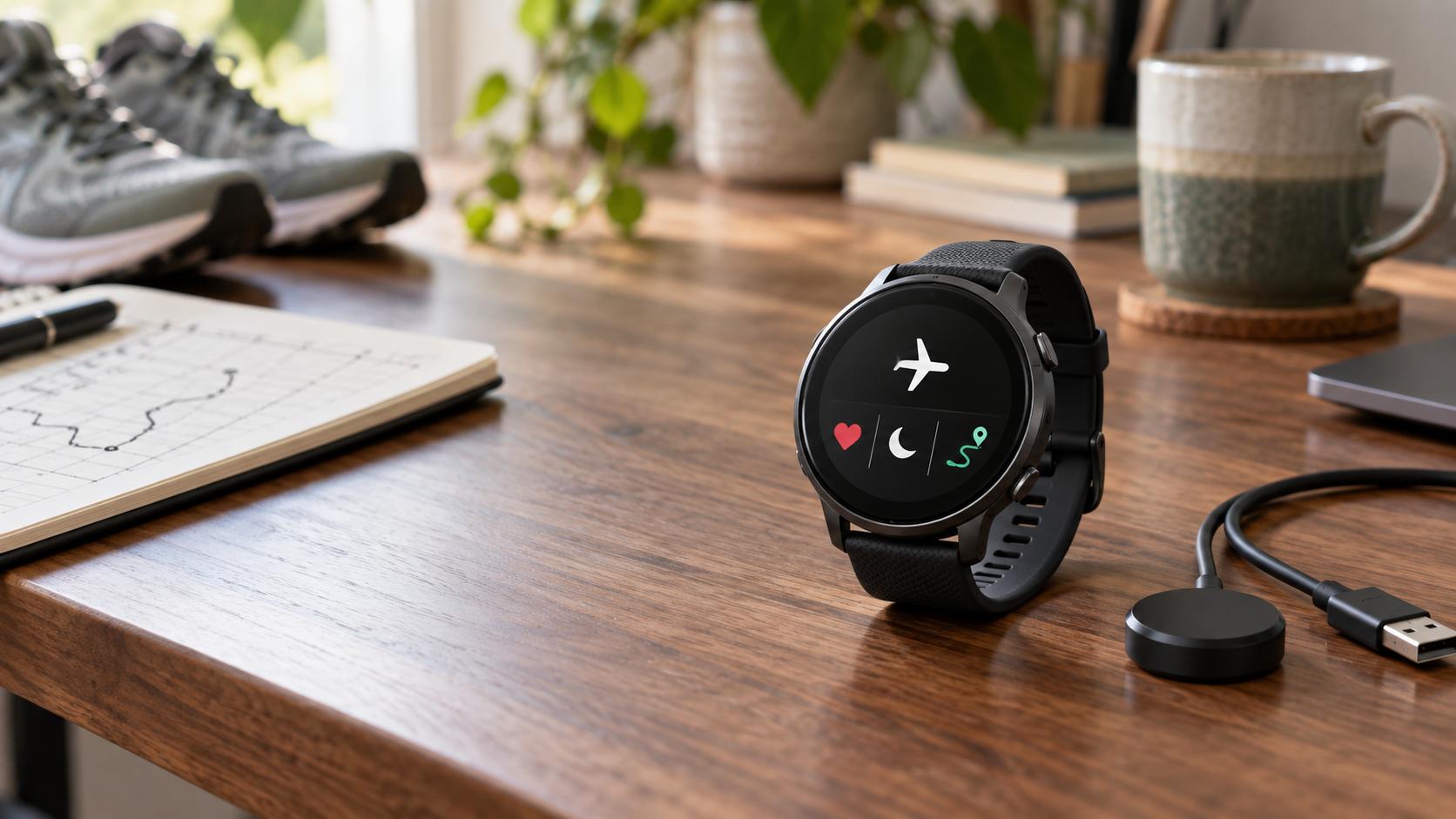
The run is saved. Your heart-rate graph is still on the watch. Your phone, for once, has heard nothing about it.
Here, “low-EMF fitness watch” is a convenience label for using a watch with Bluetooth and Wi-Fi disabled, not a safety certification or standardized product category. No good evidence shows that doing this improves health. It can, however, reduce wireless transmissions, interruptions and automatic data sharing.
The short verdict: the Garmin Forerunner 265 is the strongest all-round choice here because it records GPS, heart rate, sleep and training data in airplane mode, then supports USB sync through Garmin Express. The Polar Pacer Pro is the cleaner value option if cable sync matters. If you only want steps and basic workouts, the Casio G-Shock GBD-200 is simpler, but it has no wrist heart-rate sensor or onboard GPS.
What “offline” actually means
Turning off Bluetooth does not turn off every sensor. Optical heart-rate sensors, accelerometers and barometers are not radios. GPS is also different: the watch receives one-way timing signals from satellites; it does not transmit your location back to them.
The catch is synchronization. Some watches can transfer data through a cable. Others store workouts locally but require a short Bluetooth or Wi-Fi session before the data reaches an app. Garmin Express also uploads to Garmin Connect, and Polar FlowSync uploads to Polar Flow, so “cable sync” does not automatically mean local-only storage.
Watches that keep tracking with wireless off
| Watch | Radio control and offline tracking | How data leaves the watch | Main catch |
|---|---|---|---|
| Garmin Forerunner 265 | Airplane mode disables wireless; GPS, heart rate and activity recording continue | USB with Garmin Express or wireless later | Garmin Express uses a Garmin Connect account |
| Garmin Venu 3 | Bluetooth and Wi-Fi can be disabled separately; onboard sensors continue | USB with Garmin Express or wireless later | Check both radio settings; the manual does not list one master airplane mode |
| Polar Pacer Pro | Flight mode cuts wireless communication; GPS and sensor recording continue | USB with FlowSync or Bluetooth later | Polar is gradually retiring FlowSync, and newer data types may not all sync by cable |
| Suunto Race S | Airplane mode disables wireless transmissions; offline maps and sensors remain available | Suunto app after wireless is restored | No routine cable sync to the app |
| COROS Pace 3 | Current firmware includes airplane mode for Bluetooth and Wi-Fi; onboard recording continues | COROS app after wireless is restored | Confirm the watch is updated before relying on airplane mode |
| Garmin fenix 8 | Airplane mode disables wireless; onboard sport and health functions continue | USB with Garmin Express or wireless later | Expensive and physically substantial if you only need basic tracking |
| COROS VERTIX 2S | Current firmware includes airplane mode; built for long offline recording | COROS app after wireless is restored | The direct shopping page did not return normally during our link check; verify before buying |
| Polar Grit X2 Pro | Flight mode cuts wireless communication; onboard GPS and sensors continue | USB with FlowSync or Bluetooth later | FlowSync limitations still apply |
| Suunto Vertical 2 | Airplane mode disables wireless transmissions; downloaded maps work offline | Suunto app after wireless is restored | Requires a temporary wireless sync |
| Casio G-Shock GBD-200 | Airplane mode disables phone connection; step and workout functions remain | Phone app after wireless is restored | No wrist heart rate or onboard GPS |
Firmware changes. Treat the manuals and support pages linked below as the authority for the version on your wrist.
Choose by the inconvenience you will tolerate
- Offline-first exerciser: choose Garmin or a compatible Polar for long wireless-off stretches and a cable upload path.
- Safety-first walker or runner: keep the radios needed for emergency calling or live location sharing.
- Training-data power user: COROS or Suunto can work if you accept a brief wireless app sync after training.
- Privacy-minimizing buyer: choose the Casio if fewer sensors and no onboard GPS feel like relief rather than missing features.
Who should skip wireless-off use
Keep the necessary radios on if you rely on fall detection, emergency calling, live location, automatic uploads or phone-free cellular contact. Those functions may matter more than reducing transmissions.
Before you buy
Open the current manual and answer 3 questions: Can Bluetooth and Wi-Fi both be disabled? Which sensors still record? Can the data leave the watch in a way you accept? A handheld RF meter can help find unexpected transmissions, but it cannot certify a watch as risk-free or prove a health benefit.
If you are still deciding whether radio exposure itself should change your routine, read Smartwatch Radiation and Bluetooth Risks: What the Evidence Says.
Last verified: September 15, 2026. Product behavior can change with firmware and app updates.
Sources
- GPS.gov: GPS Frequently Asked Questions
- Garmin Forerunner 265 owner’s manual
- Garmin Venu 3 owner’s manual
- Garmin fenix 8 owner’s manual
- Polar: Syncing data
- Suunto Race S: Airplane mode
- Suunto Vertical 2: Suunto app
- COROS: June 2026 feature update
- Casio GBD-200: Airplane mode
More field guides
Research the next purchase
Choose the room or problem you are working on next.
Browse all guides